
10 Steps to Building a Small Business Website That Actually Gets Found on Google (UK Guide)

If you’re starting a small business in the UK, you’ve probably searched things like:
> how do I build a website
> how much does a website cost
> how do I get it on Google
Most tutorials show you where to click.
What they don’t show you is how to structure a website so it actually generates enquiries.
That’s what this guide focuses on.
Because pretty isn’t the goal. Enquiries are.
In This Guide
A step-by-step guide to building a small business website that gets found on Google
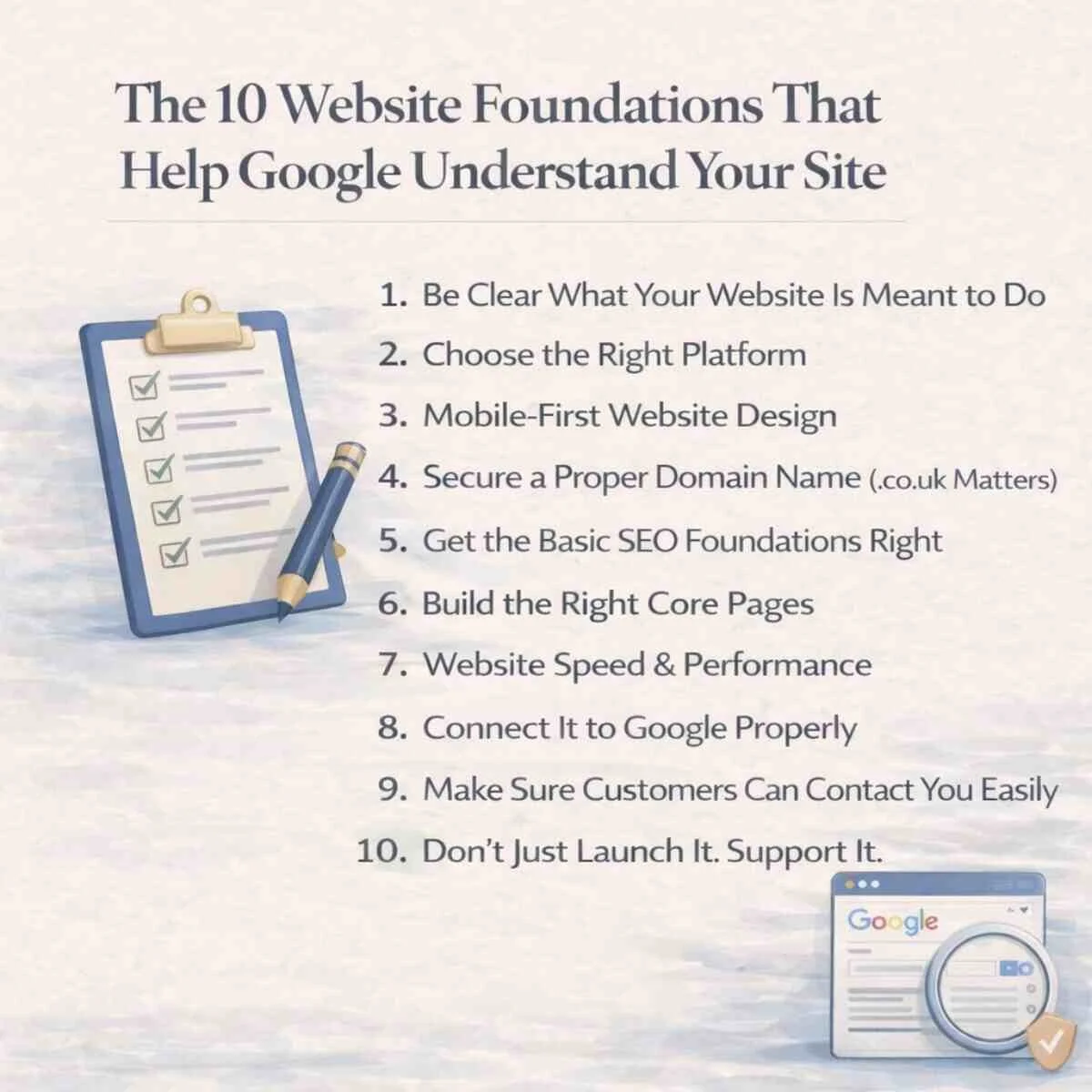
Be Clear What Your Website Is Meant to Do
Choose the Right Platform
Mobile-First Website Design
Secure a Proper Domain Name (.co.uk Matters)
Get the Basic SEO Foundations Right
Build the Right Core Pages
Website Speed & Performance
Connect It to Google Properly
Make Sure Customers Can Contact You Easily
Don’t Just Launch It. Support It
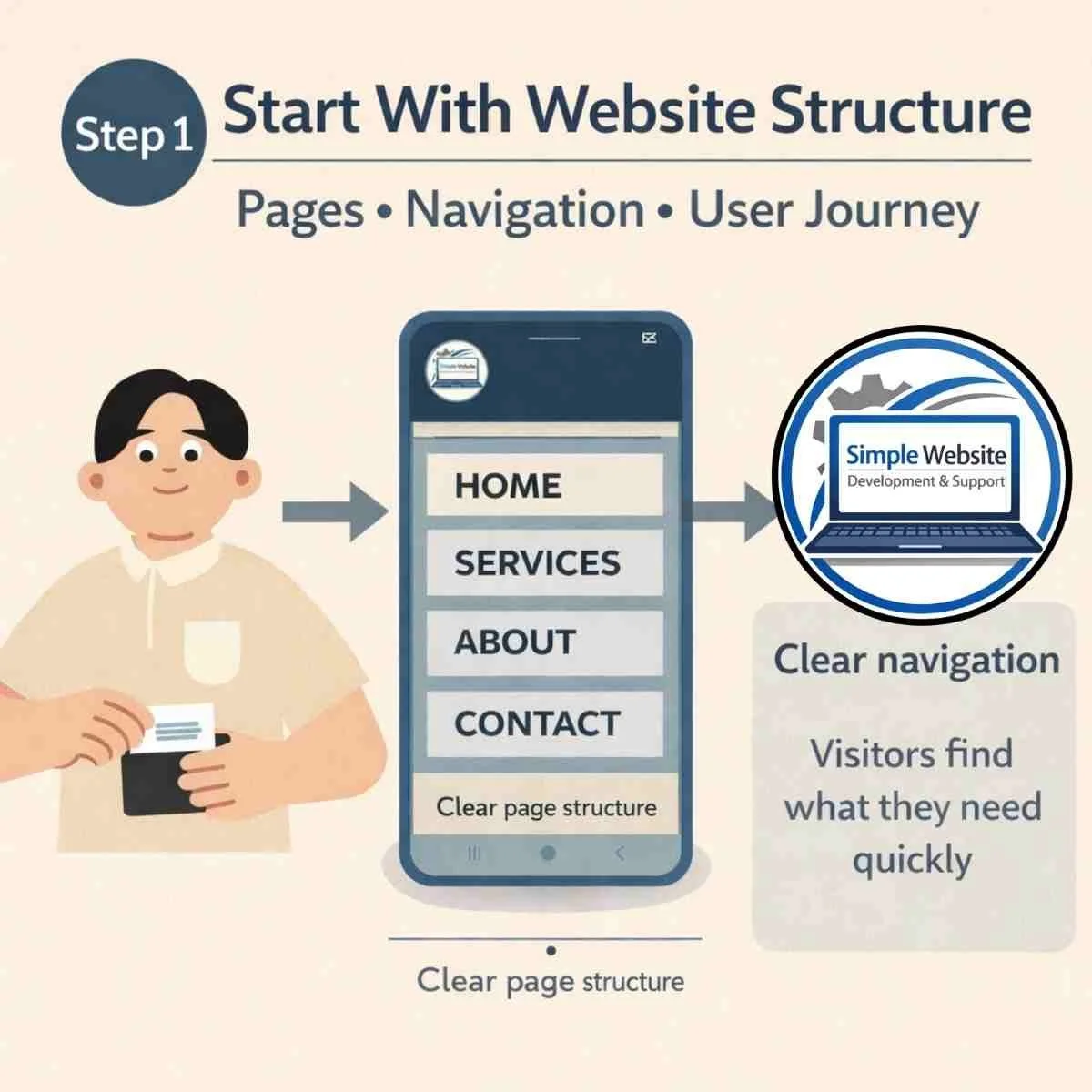
Step 1: Be Clear What Your Website Is Meant to Do
Before templates. Before fonts. Before colours. Ask yourself:
What is this website for? For most UK service businesses, it’s to: Generate enquiries - Explain services clearly - Build trust - Show credibility
Google doesn’t rank “nice websites”. It ranks structured, relevant pages that clearly explain what a business does.
Clarity comes first. This is how you make sure your website is set up properly from the start!
Step 2: Choose the Right Platform (Not the Flashiest One)
Common platforms include:
Squarespace > Wix > WordPress
All of them can work.
The platform is rarely the reason a website fails. Structure is. If you prefer a professionally structured build rather than a DIY setup, explore our core website package.
You don’t need coding skills anymore. But you do need a clear page structure and a setup that allows proper SEO foundations.

Step 3 – Mobile-First Website Design
Most visitors see your website on their phone first.
Your website should be designed for mobile before desktop.
Mobile-first design improves usability, clarity and performance.
Google now uses mobile-first indexing, which means it primarily evaluates the mobile version of your website.
If your site doesn’t work well on a phone, visibility suffers.
Mobile is not an add-on. It’s foundational. Most clients will view your website on a mobile phone.
Step 4 – Secure a Proper Domain Name (.co.uk Matters)
Your domain name is your website address.
For UK businesses, a .co.uk domain often builds immediate local trust.
Good domains are: short - easy to spell - close to your business name
Avoid unnecessary hyphens or complicated wording.
Clear beats clever.
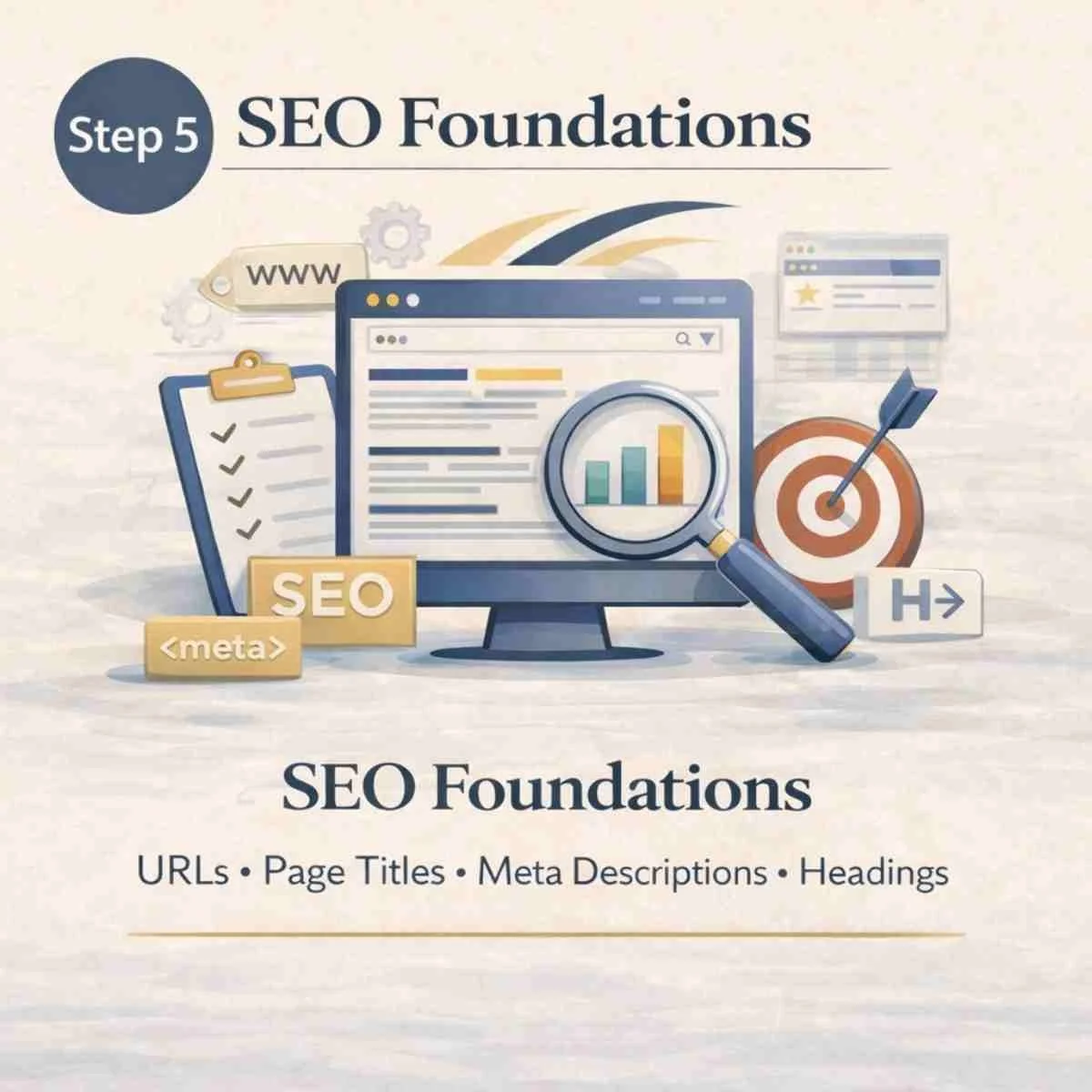
Step 5 – Get the Basic SEO Foundations Right
You don’t need advanced SEO. But you do need the basics:
Clear page titles - Meta descriptions so Google and potential Clients understand your business - Proper heading structure (H1, H2) - Internal links between pages - SEO Optimised Alt Text on every image
Without these, Google struggles to understand what your business does.
SEO is not decoration > It’s structure.
Step 6 – Build the Right Core Pages
At minimum, your website should include:
Home > Services > About > Contact > FAQ
Google does not rank websites as one large page. It ranks individual pages.
If everything sits on one long scrolling homepage, Google has very little to work with.
Each service should ideally have its own page.
Structure is SEO. We explore this further in our guide to simple websites for service businesses.
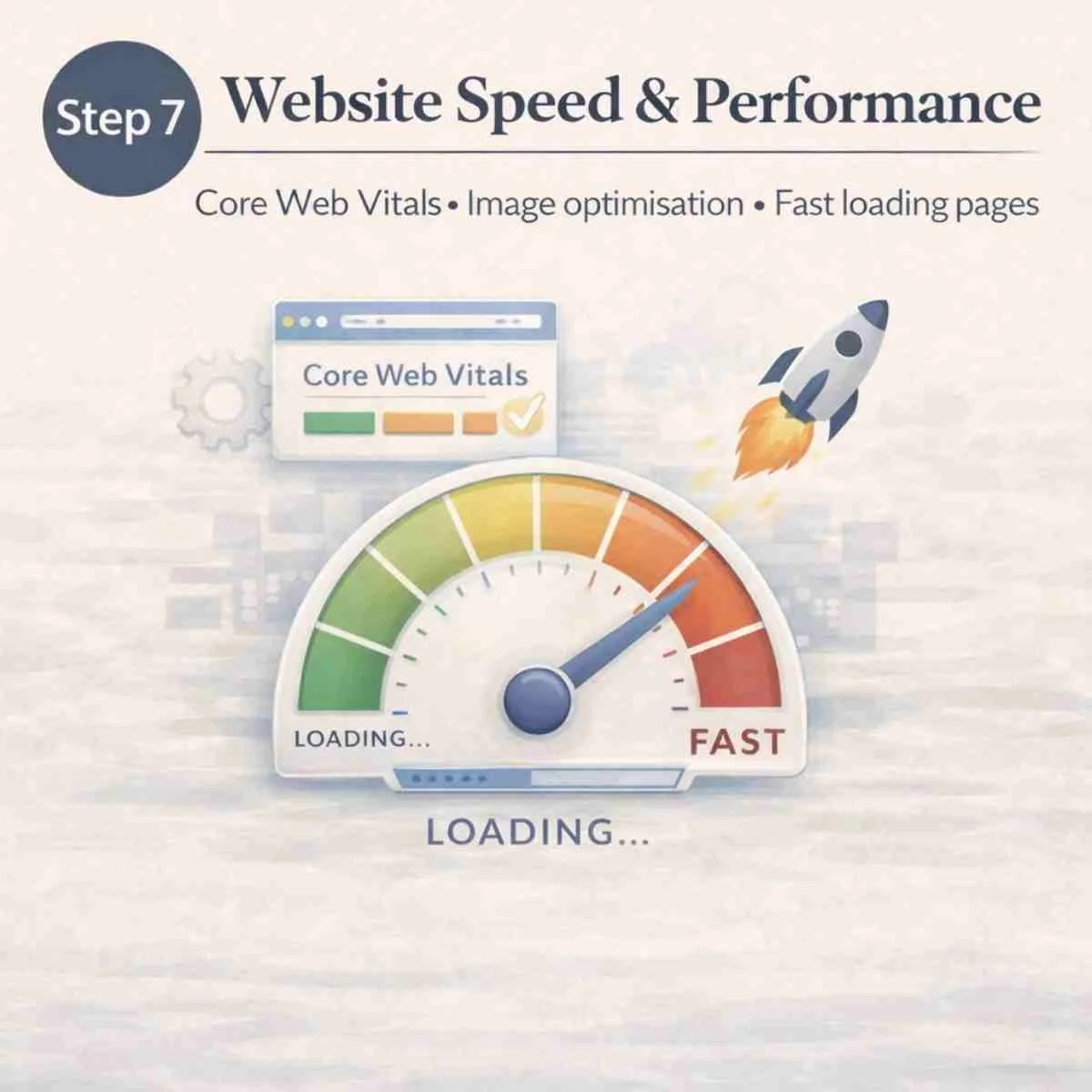
Step 7 – Website Speed & Performance
Page speed matters. Slow websites frustrate users and weaken search visibility. Heavy design, large background images and unnecessary animation can reduce performance. You should pay attention to:
Core Web Vitals
Image optimisation
Fast-loading pages
Good design supports speed. It doesn’t slow it down.
Step 8 – Connect It to Google Properly
Publishing a website does not automatically mean it will rank.
You should:
Submit it to Google Search Console > Ensure the site is indexed > Check your sitemap > Confirm SSL (https) is active
These steps are missed constantly.
If you are not sure what these terms mean, visit our FAQ Page. Alternatively, pop me a message, I am always happy to explain further, I built my small business to support yours.
These steps being missed are usually why businesses say: “My website isn’t showing on Google.” or “Why are I not getting enquiries via my website” > We have covered WHY IS MY WEBSITE NOT GETTING TRAFFIC in one of our Small Business Blogs if you would like to understand more.
Visibility requires proper connection.
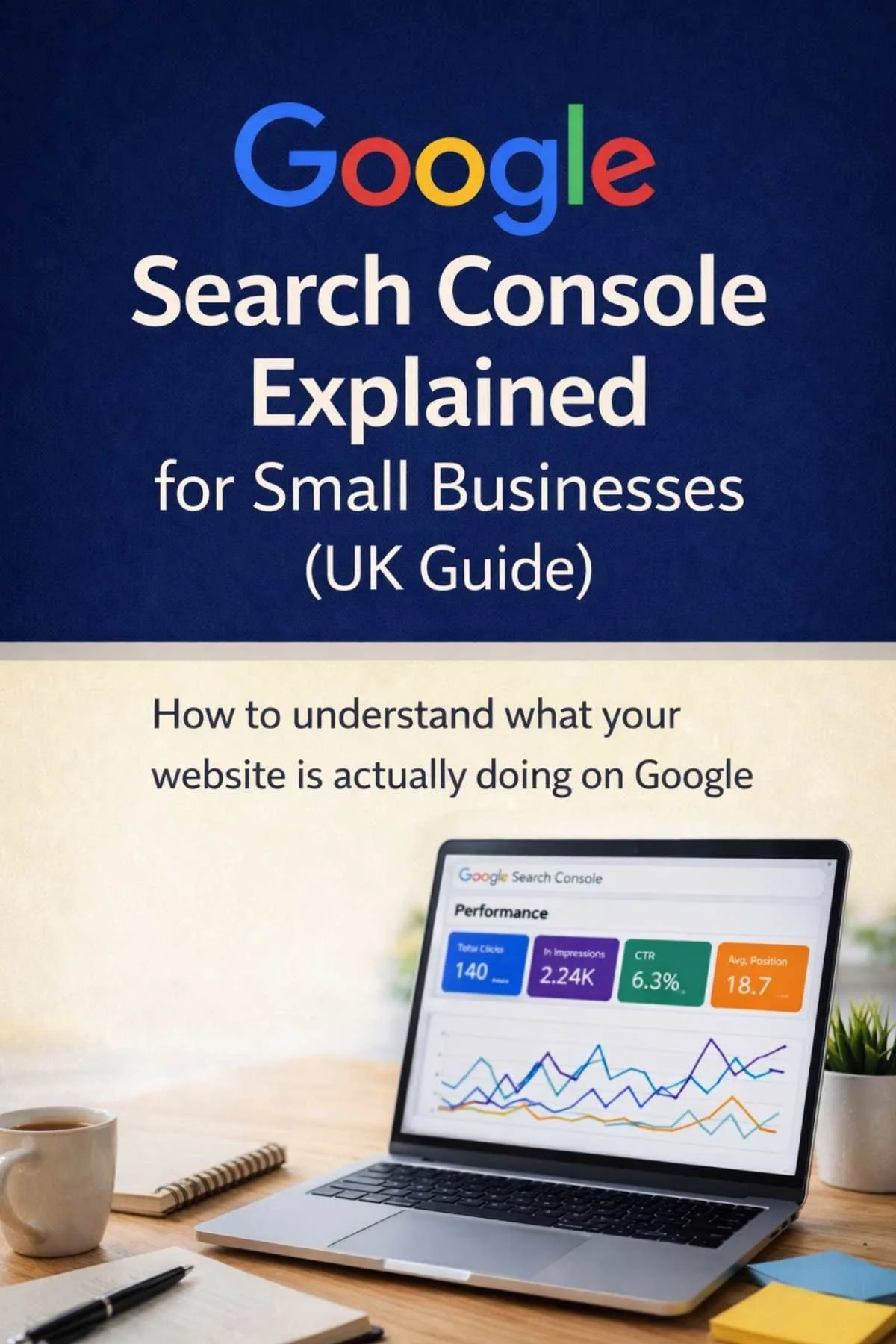
Once your website is live, tools like Google Search Console allow you to see how your website is appearing in search results. Read our Blog Google Search Console Explained for Small Businesses (UK Guide):How to understand what your website is actually doing on Google
Step 9 – Make Sure Customers Can Contact You Easily
Your website should make it easy to enquire.
Include: Clear contact buttons > A visible phone number > Simple contact forms > Clear calls to action
Your website should guide visitors naturally toward contacting you.
Websites should generate enquiries.
Step 10 – Don’t Just Launch It. Support It
A website isn’t finished when it goes live. That’s when it starts working.
After launch you should: Monitor traffic > Improve service pages > Publish blog content > Update information > Review what pages bring enquiries > Use Google Business posts > Support it with consistent social media
Visibility grows through structure and consistency. Not decoration.
For businesses who don’t want to manage ongoing social media and Google posting themselves, working with a specialist can make a significant difference. We’ve seen how consistent visibility support helps service businesses build steady momentum over time — something Hayley at The Efficient Penguin specialises in through social media consultancy and content strategy.

Step 10 - Support It
Explore more structured guidance in our Website Guides for Small Business.
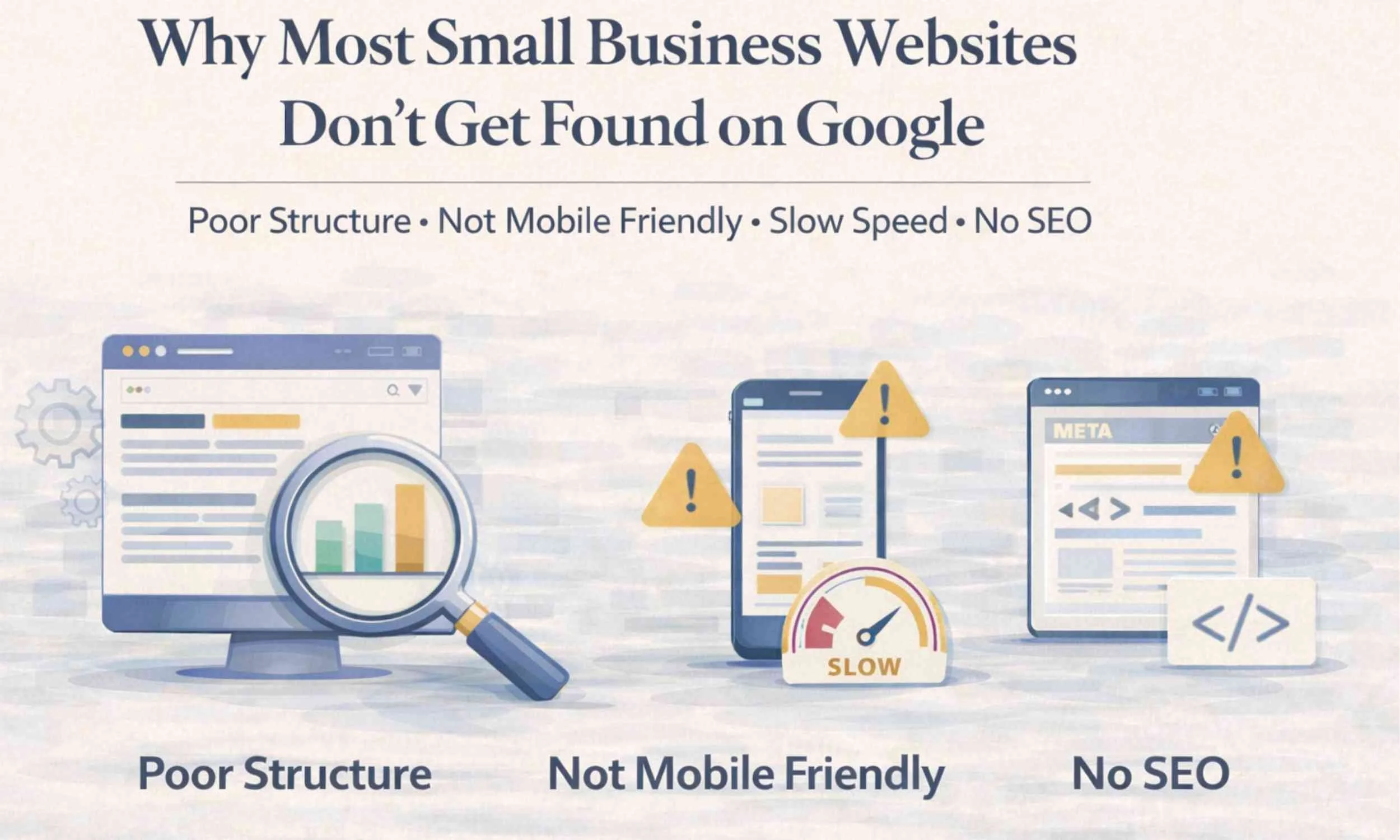
Why Most Small Business Websites Don’t Get Found On Google
The number 1 reason - they were built to look finished, not to be understood by Google.
They launch.
They feel relieved.
Then nothing happens.
Visibility isn’t automatic. It’s structured.
Final Thoughts
Most small business owners start with:
“How do I build a website?”
They quickly move to:
“Why isn’t it getting found?”
If you build it with structure, clarity and proper Google setup from the beginning, you avoid most of those problems.
There is nothing wrong with building your own website. But there is something frustrating about rebuilding it later because it wasn’t structured properly the first time.
Build it clearly.
Build it intentionally.
Build it for performance.
They prioritise aesthetics.
We prioritise performance
You might also find these Blogs useful:






Want help understanding how your website is performing?
I offer a Free Website Visibility Check for small businesses.
In a relaxed 30-minute chat we can:
• review your Google Search Console data
• look at your SEO and keywords
• check your business listings
• see how your website appears in Google searches
You’re welcome to book whether you have a website, have listings, or have neither yet.
How much does a small business website cost in the UK?
A small business website in the UK can cost anywhere from £300 to £3,000+, depending on how it’s built, who builds it, and whether it’s set up to actually bring enquiries. This blog explains real pricing, what’s often missing from cheaper builds, and what actually makes a website work.