How to Submit Your Website to Google, Bing & IndexNow (Step-by-Step UK Guide)
How to submit your website to Google Search Console, Bing Webmaster Tools and IndexNow step by step guide for small businesses
Website Not Showing on Google? Submit It to Google, Bing & IndexNow
Most small businesses think: “My website is live… so it should be on Google” but that’s not actually how it works.
Just because your website exists doesn’t mean Google (or Bing) fully understands it yet. If search engines don’t understand your website properly….. it won’t show, it won’t rank and it won’t bring enquiries.
This is one of the most common things I see when reviewing websites. The good news is — once you know what to do, it’s actually quite simple.
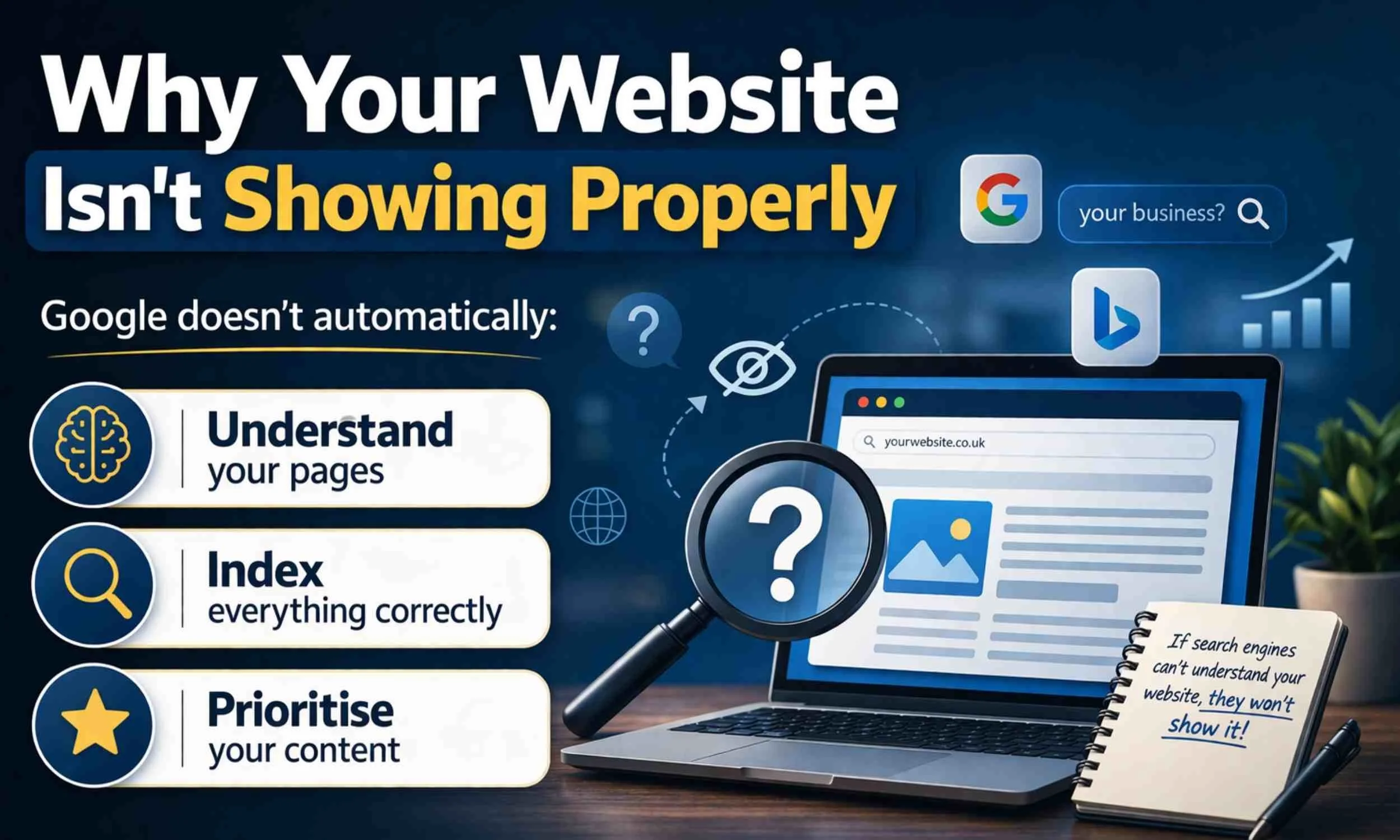
Why Your Website Isn’t Showing Properly
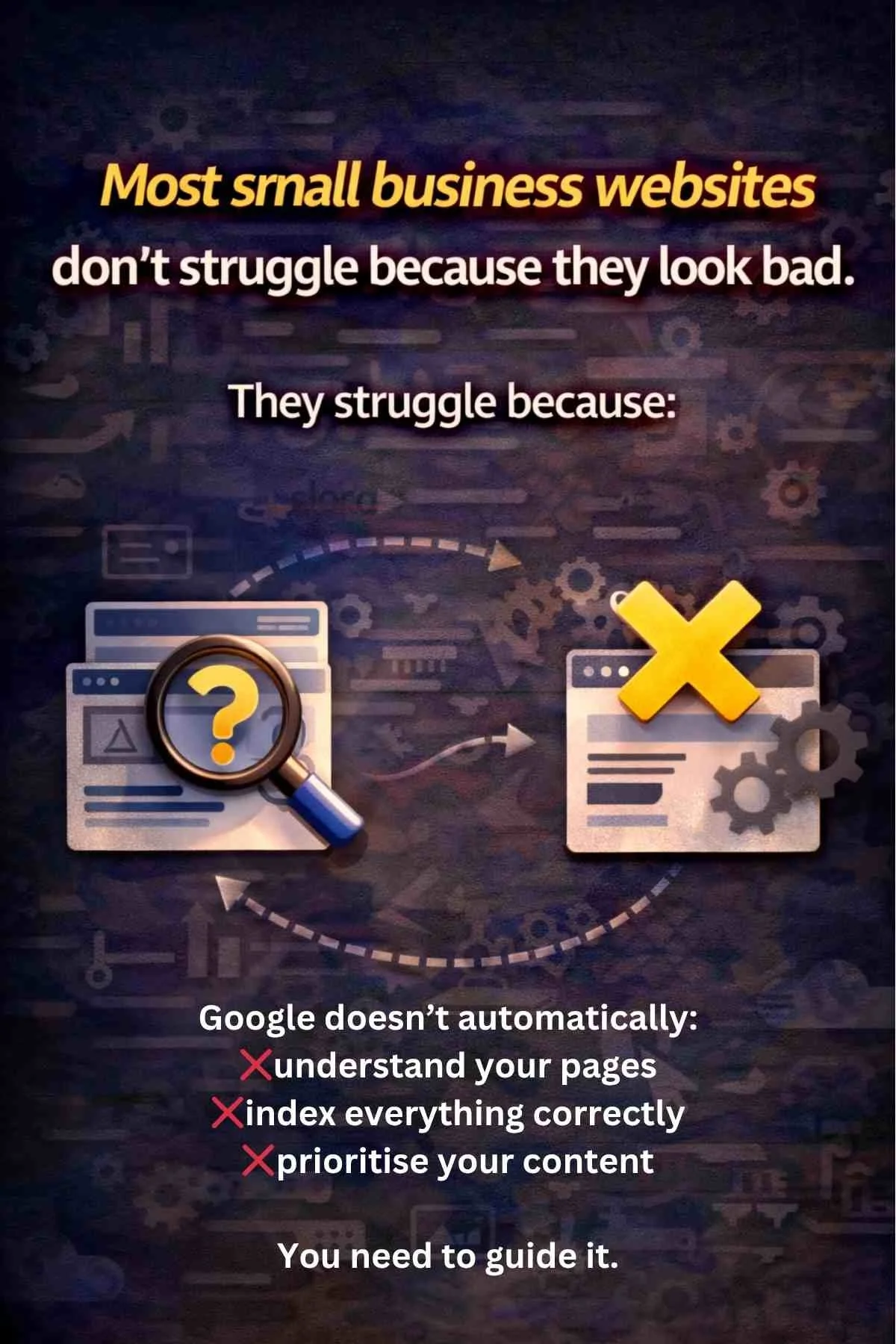
Google doesn’t automatically:
Recognise what each page of your website is about
Include all of your content in search results
Decide which pages matter most
You need to guide it. That means:
1. Telling Google your website exists.
2. Showing it your pages
3. Helping it understand your structure
What You Actually Need to Do
There are three key parts to this:
Google Search Console (Google)
This tells Google your website exists, helps it understand your pages, and shows you how your site is performing in search.
Bing Webmaster Tools (Bing)
This does the same for Bing — making sure your website can be found there and giving you insight into how it’s showing up.
IndexNow (fast submission)
This lets you instantly notify search engines when you’ve added or updated pages, so they can be picked up much faster.
Ideally, you need to complete them all!
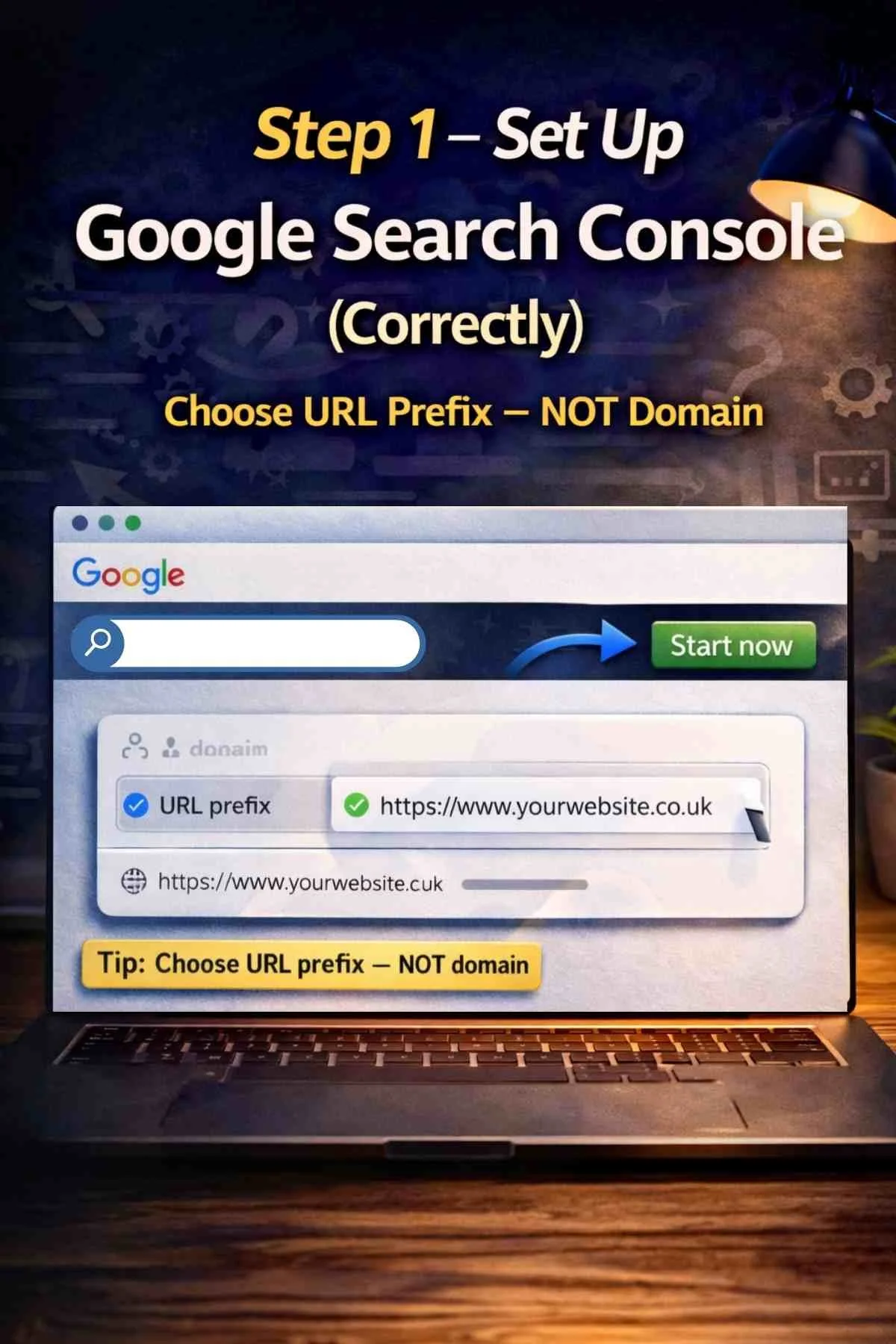
Step 1 – Set Up Google Search Console (Correctly)
Go to: Google Search Console (click image on this blog) and click Start now. Choose URL Prefix (not Domain) and enter your full website address.
Verify ownership - Google needs to confirm you own your website.
Choose HTML tag verification, then add the tag to your website’s header.
👉 If you’re unsure how to do this on your platform, search:
“how to add HTML tag for Google Search Console”. Once added, return to Google and click Verify.
Example to add this to Squarespace - Go to Settings - Click Advanced - Click Code Injection - Paste the FULL tag into the Header - Click Save - ⚠️ Important (don’t skip this) - Before clicking verify: - Open your website - Right click → View Page Source - Press CTRL+F - Search: google-site-verification - ✅ If you see it → verification will work - ❌ If you don’t → it will fail - Now go back to Google - Click: Verify
Submit your sitemap - After verification, go to Sitemaps and submit: yourwebsite.co.uk/sitemap.xml
Submit pages manually - (Most People Miss This) - This tells Google to actually look at that page - Each time you create a new page: Use URL Inspection → Request Indexing
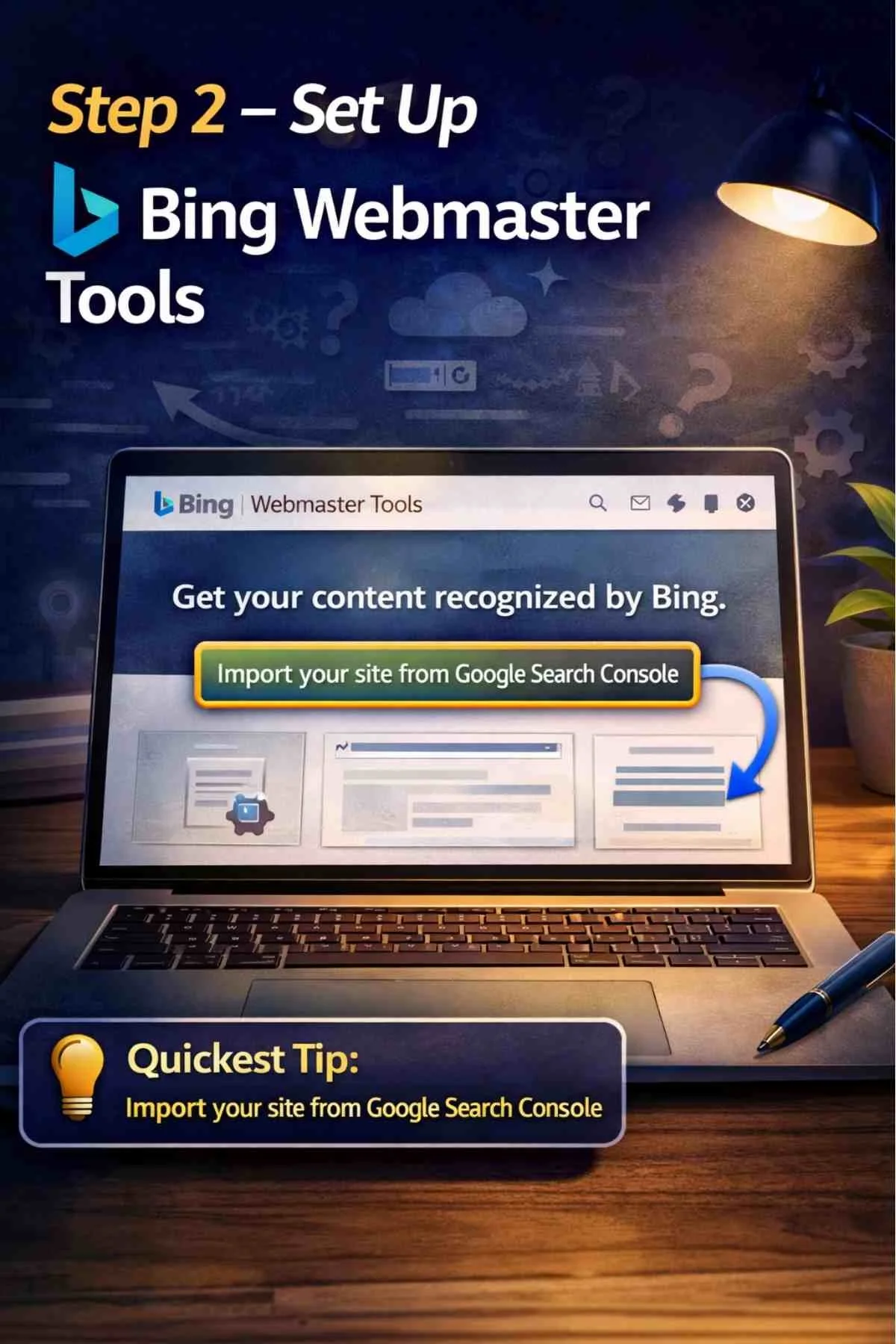
Step 2 – Set Up Bing Webmaster Tools
Bing is often ignored — but still matters.
Go to: Bing Webmaster Tools (click image on this blog)
The easiest way is to import your site from Google Search Console.
Submit Your Sitemap - just like Google - yourwebsite.co.uk/sitemap.xml
Submit pages manually
Each time you create a new page:
Use URL Inspection → Request Indexing
This tells Bing to actually look at that page.

Step 3 – Use IndexNow (The Simple Way)
This is one of the quickest ways to tell search engines about your pages. Most people overcomplicate it — you don’t need to.
Step 1 – Get your API key (Click the image on this blog to start)
You’ll either already have this, or you can generate one. It’s just a long string of letters and numbers.
Step 2 – Build your submission URL
Open ChatGPT and type: “Create an IndexNow submission URL using this API key and this page URL” - Then paste in: your API key you got from the link and the page URL you want to submit.
Step 3 – Use the link
ChatGPT will give you a full URL. Copy it, paste it into your browser, and press enter, desktop or mobile is fine! You’ll see a blank white screen - That means it worked! No message = success.
Step 4 – Do this for every page
This is where most people go wrong - Don’t just submit your homepage. Do it for: - your homepage - every service page - every blog post - any new page you create
Top Tip
I save my API Key on my AI Chat and each time I create a new website page I can ask AI to give me my IndexNow API url easily - then I just add the API url to my mobile browser and on receiving a blank white screen it is updated. This is because your API key always remains the same.
Why this matters - Instead of waiting for search engines to find your pages…you’re telling them directly
Common Mistakes I See
Most small businesses:
❌ never verify properly
❌ choose the wrong property type
❌ never submit their sitemap
❌ never submit pages
❌ assume Google “just finds it”
Which means your Website Pages don’t get indexed - Websites stay invisible - Enquiries never come
Important to Understand
This isn’t just about “getting on Google”. It’s about helping search engines understand your website properly.
Because if your website isn’t:
clear
structured
easy to understand
Then even if it’s indexed…..it still won’t bring enquiries
Once this is set up:
your pages can start appearing
your visibility improves
you can start building momentum
But this is just the starting point.
Ongoing Business Support to Improve Visibility and Enquiries
Not sure where to start?
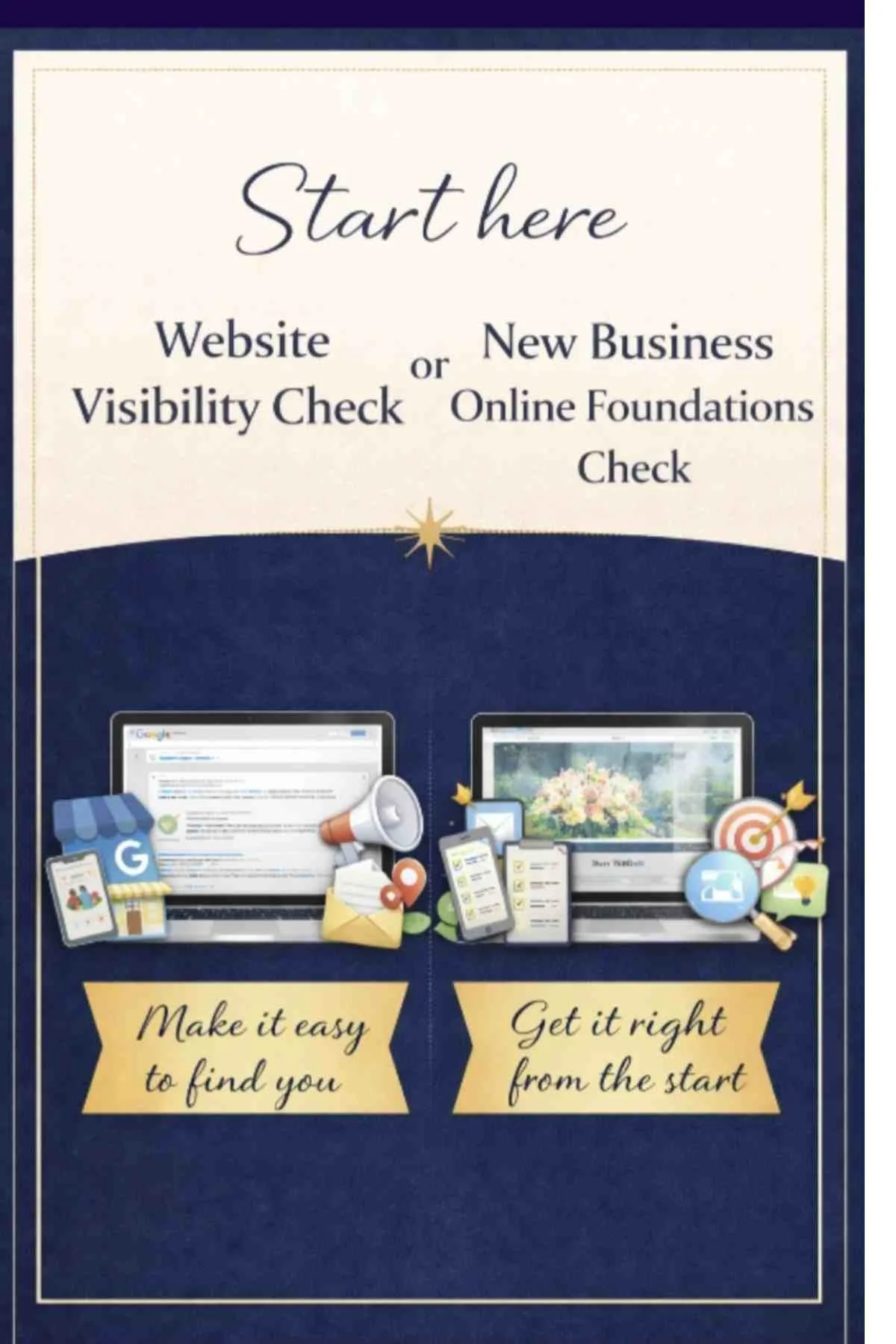
This is exactly what I go through in our Free Website Visibility Check or New Business Online Foundations Check
If you’re unsure what Google actually sees, whether your pages are being indexed or what to focus on next - Start here.
Why this matters
Most small business websites don’t struggle because they look bad - They struggle because they haven’t been set up properly behind the scenes.
Once that’s in place…..everything starts to work the way it should!

Want to see how others found it?
Take a look at our Reviews & Recognition
Many small business owners come to me asking “why is my website not getting traffic?” Often the answer becomes clear when we look at the data inside Google Search Console. If you're still in the early stages of building your website, our guide 10 Steps to Building a Small Business Website That Actually Gets Found on Google (UK Guide) explains the foundations that help websites appear in search results.
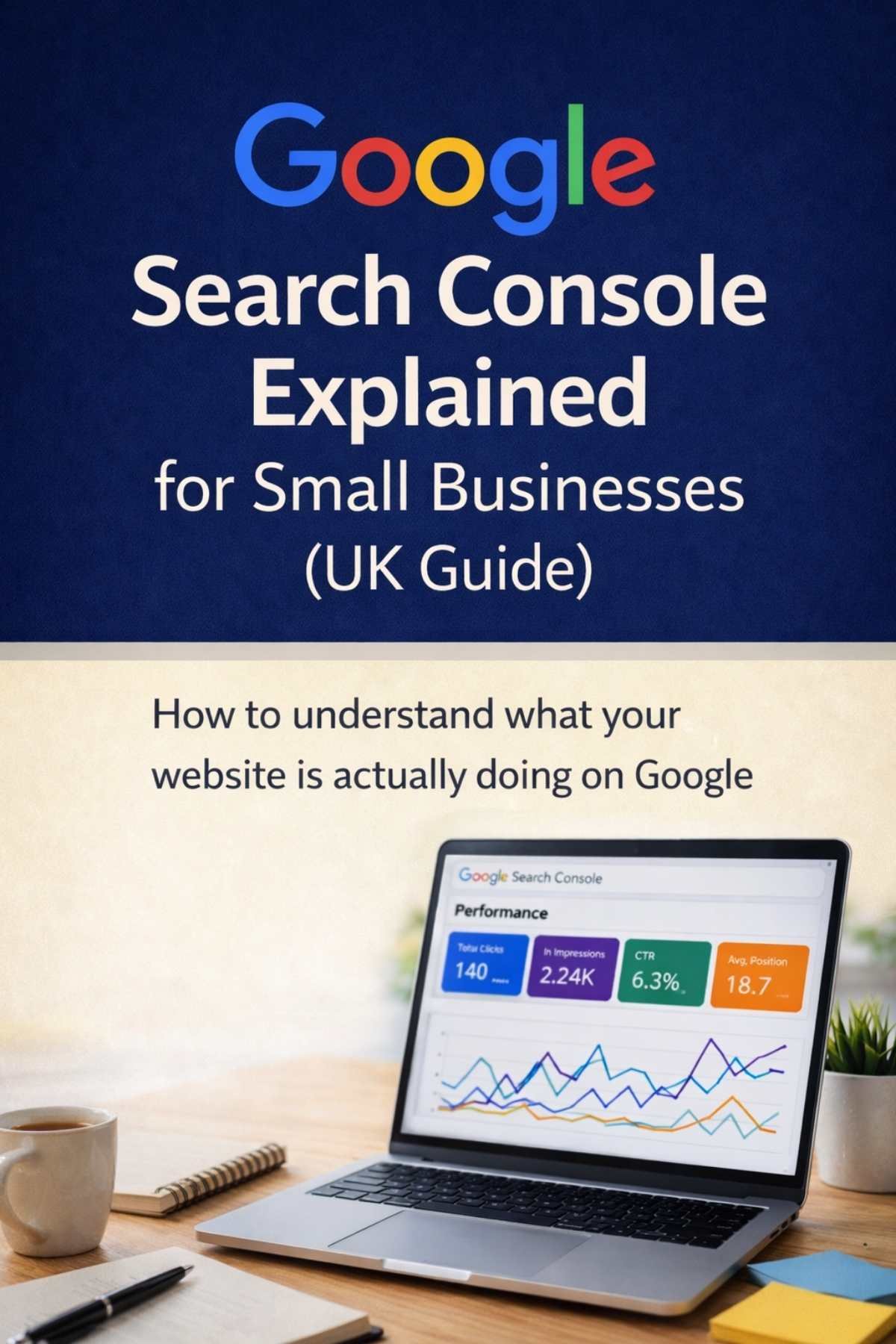
Want to understand this properly?
If you want to go a step further and actually understand what your website is doing on Google read our blog: Google Search Console Explained for Small Businesses (UK Guide):How to understand what your website is actually doing on Google
This breaks it down simply — so you can see how your website is performing, what people are searching for, and where your opportunities are.
Most people I speak to haven’t submitted their website to Google, Bing and IndexNow — and it’s often one of the reasons their website isn’t bringing enquiries.
If you would like to know the additional common reasons a website is not bringing enquiries, book a free Website Visibility Check - This is a relaxed 30-minute chat to help you understand how your business is appearing online — there’s no preparation needed.
During the chat we can look at things like:
• Whether your website is appearing in Google searches
• How customers may be finding your website
•Google Business Profile and Business listings that help people discover local businesses
• Simple ways to improve your online visibility, including the keywords your website may be appearing for
• Basic SEO signals that help Google understand your website