
Using ChatGPT as a Small Business Owner – What Actually Works

Running a small business often means you’re doing it all yourself.
You’re the founder, the only employee, the marketer, the admin, the social media manager, and the person answering emails and enquiries — usually all in the same day.
Most of us have talked about our business ideas for months (sometimes years) before they properly exist. Friends, partners, family members have listened, nodded along, and supported us — but at some point, you can almost feel them switch off when you start talking about your next idea, your next plan, or what you’re trying to build.
Not because they don’t care.
But because they’re not living it the way you are.
That’s where ChatGPT has genuinely become useful for me.
Not as a magic solution.
Not as a replacement for thinking.
But as a steady, honest, always-available support tool.
Think of ChatGPT as the colleague you don’t have
When you work alone, there’s no one to bounce ideas off at 9pm.
No one to sense-check wording before you post it.
No one to calmly talk you through something when you’re worried you’ll “break” your website.
ChatGPT fills that gap.
I use it like a second employee — one that:
listens without judgement
doesn’t get tired of my questions
gives honest, practical answers
helps me turn ideas into actions
It won’t flatter you for the sake of it.
It will tell you when something doesn’t make sense.
And sometimes, that honest clarity is exactly what you need!
Juggling everything at once (and why this helps)
Once your business is live, you’re suddenly juggling:
your actual service or product
your website
social media
emails and messages
keeping up momentum
trying to grow without burning out
That’s a lot.
ChatGPT helps me offload some of that mental weight.
Not by doing everything for me — but by helping me think clearly when my head feels full.
One of the biggest shifts for me was stopping treating ChatGPT like a tool and starting to treat it more like a thinking partner.
You don’t need perfect prompts.
You don’t need technical language.
You can explain how you’re feeling.
Some days I’ll say things like:
“I’m tired and overwhelmed — what’s the one thing I should focus on today?”
“I’ve got lots of ideas but no energy — help me prioritise”
“I feel stuck and I don’t know why — can you help me untangle this?”
And the response changes.
Not emotionally — but practically.
It gives calmer, more focused suggestions that match where I’m at that day. That alone can be incredibly grounding when you’re running a business solo.
ChatGPT works better the more context you give it.
You can tell it things like:
“I don’t like salesy language”
“I prefer calm, plain English”
“I’m not technical — explain it step by step”
“I need reassurance before I change anything on my website”
Over time, conversations become:
more consistent
less generic
more aligned with how you actually work
Just like with a real person, context matters.

Learning how to ask (and push back)
Another important skill is learning how to respond back.
If something ChatGPT gives you isn’t right, don’t abandon it — tell it.
For example:
“This feels too formal — can you make it warmer?”
“This doesn’t sound like me — try again”
“That image isn’t right — I want something calmer and more natural”
“Shorter please — less explanation”
You’re allowed to say no.
That back-and-forth is how the quality improves.
The same applies to images, wording, or ideas. If the first version misses the mark, explain why and what you want instead.

How I use ChatGPT with my website (especially Squarespace)
Once your website is set up properly, ChatGPT can be genuinely helpful for day-to-day updates — especially if you want to stay in control without breaking anything, and if you DO break something, using ChatGPT to fix it!
Editing and improving page text
You can paste sections of your website in and ask:
“Make this clearer and shorter”
“Rewrite this so it sounds friendlier”
“Simplify this for non-technical customers”
This works really well for service pages, FAQs, and About pages.
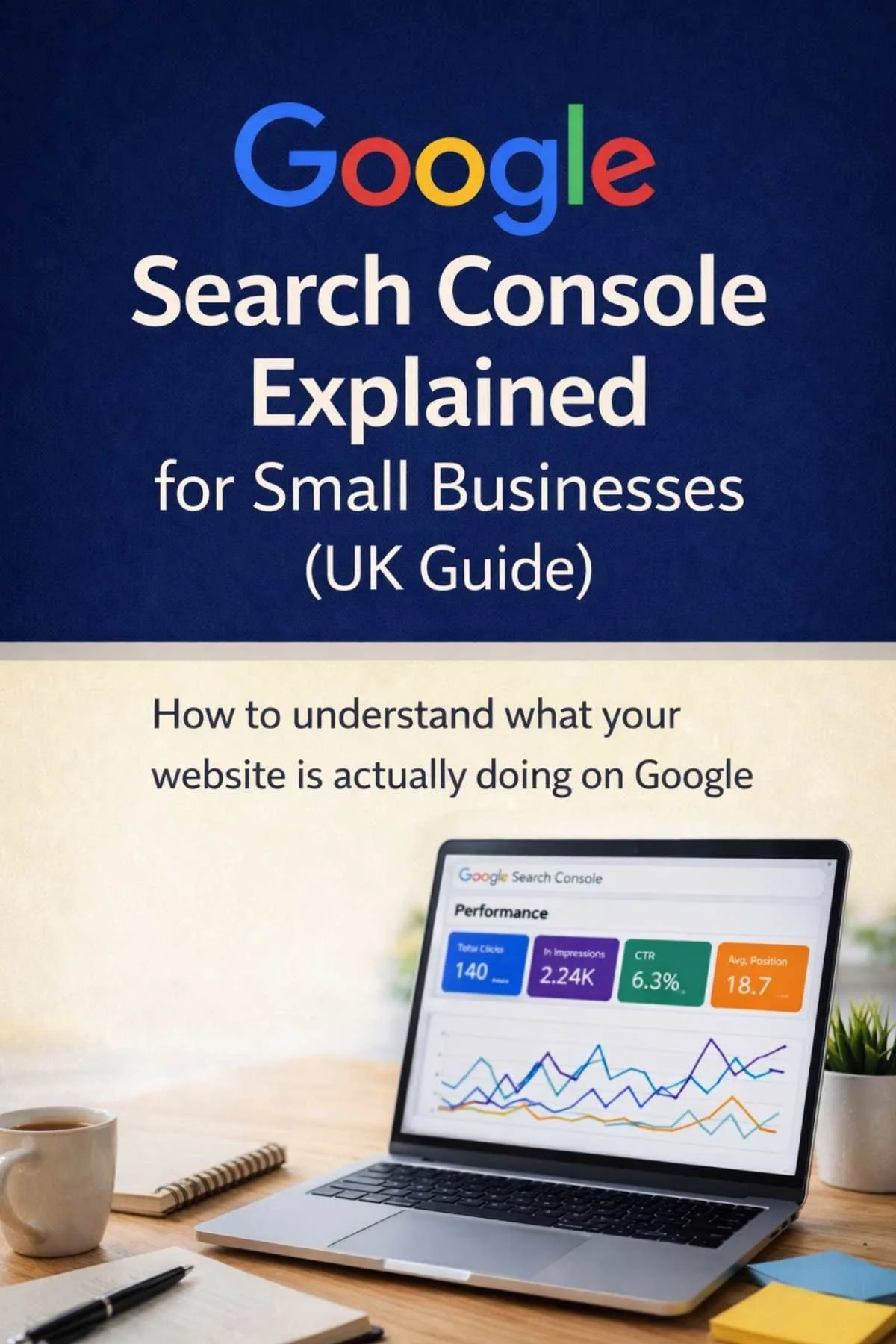
If you're trying to understand how your website is performing in Google, our guide Google Search Console Explained for Small Businesses walks through the data that shows whether your site is appearing in search results.
Navigating Squarespace (without panic)
ChatGPT is useful for simple how-to guidance, like:
“How do I edit a text block in Squarespace?”
“How do I add a new page without publishing it?”
“What’s the difference between a page and a section?”
It won’t replace experience — but it stops you feeling stuck or worried about clicking the wrong thing.

Using ChatGPT for social media (without sounding robotic)
Social media is one of the biggest stress points for small business owners.
Caption ideas and structure:
You can ask things like:
“Give me three caption ideas for this post”
“Help me rewrite this to sound more confident”
“Shorten this without losing the message”
Then tweak it so it sounds like you.
Content planning:
It can help with:
weekly content ideas
repurposing blogs into posts
caption variations for different platforms
This is especially useful if consistency feels hard.
Replies and messages:
If replying feels awkward, ChatGPT can help you:
soften replies
sound more professional
stay consistent with tone
You still send the message — it just helps you phrase it.
ChatGPT works best here as a support tool, not a replacement for your voice.
Hayley from the Efficient Penguin Co. provides our readers with brilliant advice.
The Efficient Penguin Co. was established to provide calm, strategy-led social media support for service-based businesses seeking clarity, consistency, and purpose in their online presence.
Hayley recommends having clarity and strategy in place before developing social media, so that it aligns with wider business goals rather than becoming inconsistent or confusing for your audience. Without that foundation, social media often feels hard work and doesn’t deliver what people hope it will.
Once there’s clarity through things like audits and clear brand guidelines, tools like ChatGPT can be genuinely helpful. Sharing brand guidelines with ChatGPT allows it to support tone and consistency, but it doesn’t replace strategy, planning, goal alignment, or creative direction, which all remain human-led.
Hayley creates all visuals herself to ensure brand consistency is considered properly, and uses ChatGPT primarily for sense-checking, exploring wording options, and reducing decision fatigue. Used this way, AI supports good thinking and saves time, without replacing the insight, context, or responsibility that comes from understanding a business properly.
Using ChatGPT to create or optimise Images
Running a small business means that you often need images that sell your product, service, brand - YOU!
This is where learning to use ChatGPT in an optimal manner will REALLY benefit you, in both producing professional images and saving you precious time, without needing to pay a professional.
Now, I will not bring you promises of telling ChatGPT you want an image created and you will receive exactly what you want. You have to learn a language together with CHATGPT so that it understands your business, your branding, and exactly what you require of it.
My Top Tip is to always give ChatGPT the images you want incorporated into an image and explain specifically what you want - for example:
“Take the attached images and make them into a Facebook Reel size image, blur the backgrounds, use background colours of Pastel colours, add a title saying “xxxxx” in the middle” - you then upload your files to the Chat by pressing the plus button
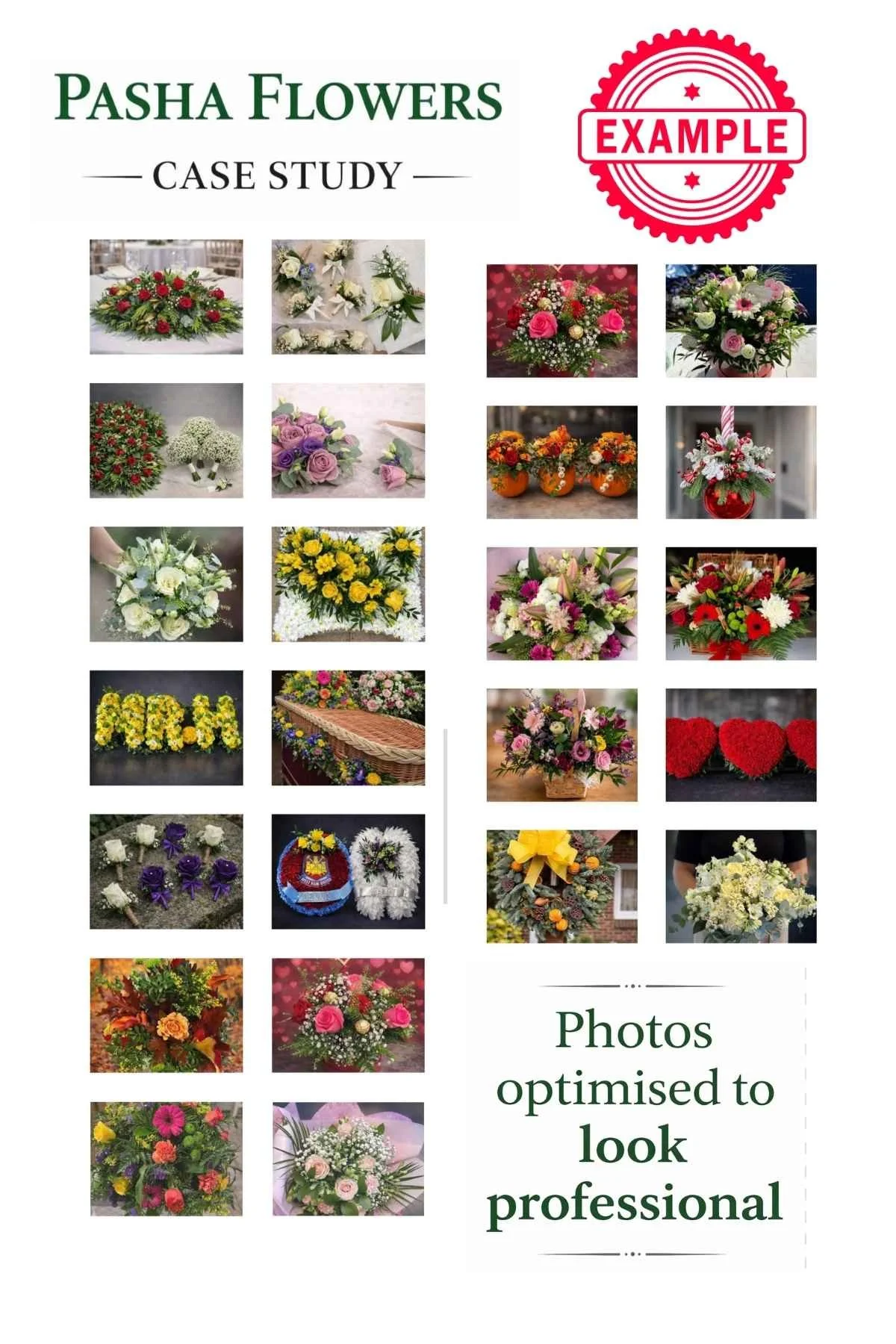
If you want an existing image simply made profession you can attach your image and simply ask “make this image professional for my website - See our Pasha Flowers Website Case Study for examples
There are also times when you can ask for what you want over and over again, but there is a lack of communication interpretation and I will then give up and ask simply “create me a text image saying xxxxx on a white background” - I will then use this to make my life much easier when I create the image I pictured on Canva - www.canva.com - a website I could not do without!
IMPORTANT: Be aware that if you are adding images to your website they need optimising to a small file size and specific px size for Squarespace. I normally make all images under 100kb when downloading, or you can use TINYJPG to reduce further. Images not optimised will slow your website load time - affecting how Google etc views your site. BONUS TIP - always add Alt Text to your image - ask ChatGPT to write this by taking a live photo on your desktop of the Image and asking it “write Alt Text with maximum SEO benefit for my site”
Helping with SEO and social media profiles
This is one area people often overcomplicate.
ChatGPT can help you:
draft SEO titles and descriptions in plain English
explain what you do clearly without jargon
write Instagram or Facebook bios that actually make sense
For example:
“Write an SEO description for a small service business, calm and professional”
“Help me explain what I do in one clear sentence”
“Rewrite this bio so it sounds confident but not salesy”
It won’t replace strategy — but it helps you get unstuck quickly.
From working with service businesses, the questions I hear most aren’t technical.
They’re things like:
“Am I explaining what I do clearly?”
“Does my website look professional enough?”
“What if I put myself out there and get it wrong?”
“How do I keep going without burning out?”
These questions shape confidence.
That’s why clarity matters more than trends or flashy features.
Is the paid version worth it?
In my experience — yes, genuinely.
The upgrade gives you:
better context handling (it remembers more of what you’ve explained)
more consistent tone across conversations
stronger reasoning and clearer suggestions
fewer generic or repetitive responses
more image creation options
It doesn’t make things perfect — but it makes everything smoother, especially if you’re using ChatGPT as part of running your business rather than just experimenting.
A real example: using ChatGPT to think things through (not cut corners)
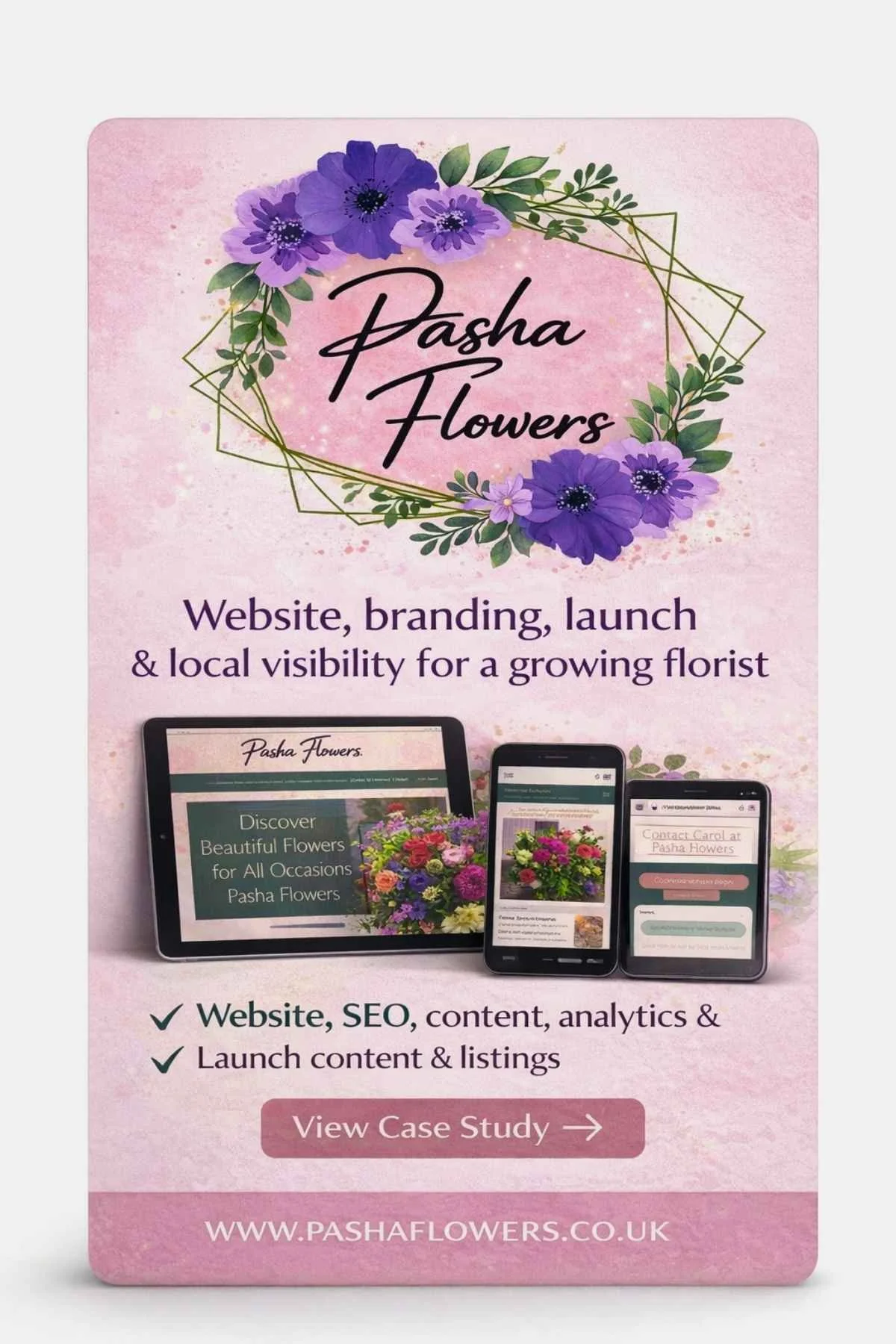
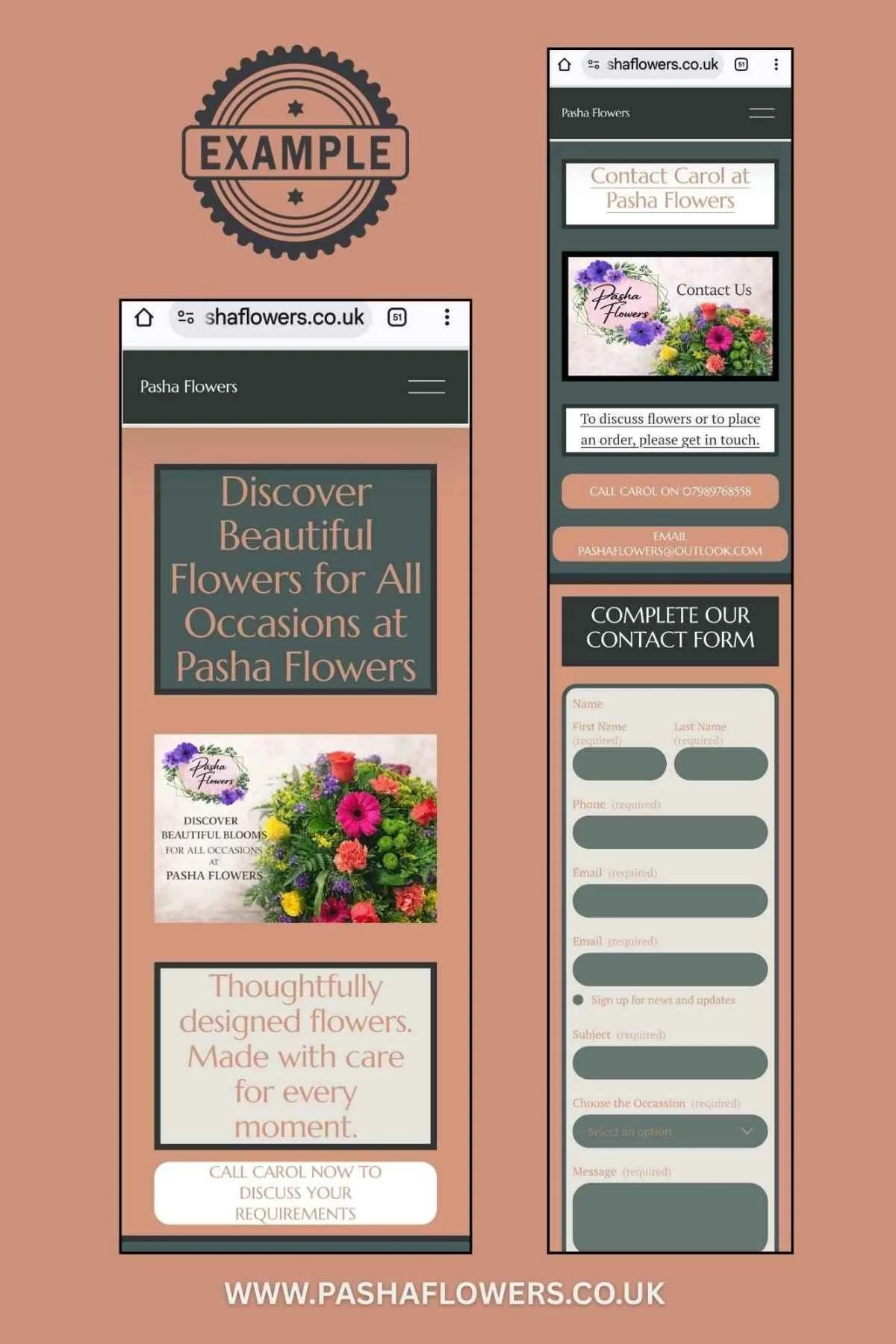
A good example of how ChatGPT can genuinely support a small business owner came up recently with Carol from Pasha Flowers.
This was Carol’s first large wedding booking after launching her new website, which was built by Simple Website Development & Support. The enquiry came through her website, and it was a much bigger order than she’d handled before — with the wedding booked a year in advance.
Like many small business owners, she suddenly found herself facing questions that are very common, but not always easy to answer alone:
How do I price something this far in advance?
What if my supplier prices change?
What can I safely commit to now?
How do I explain this clearly and professionally to the client?
Rather than guessing, under-pricing, or over-promising, we used ChatGPT as a practical support tool to help think everything through calmly.
First, we gathered the real information:
her current supplier price list
exactly what the couple had requested
what she was happy to guarantee — and what she wasn’t
We then asked ChatGPT to:
calculate realistic pricing based on current costs
factor in reasonable margins
compare this with typical market pricing
highlight risks around future supplier price changes
Nothing was automated or blindly accepted. Everything was checked, discussed, and adjusted based on Carol’s experience and comfort level.
Finally, we used ChatGPT to help draft the email to the customer.
Not a generic template — but a calm, professional message that:
clearly explained what was included
set expectations around pricing changes
reassured the client without over-promising
protected Carol’s business while still sounding warm and confident
Carol still made the final decisions.
She still sent the email herself.
But instead of feeling overwhelmed or second-guessing every line, she felt clear, confident, and in control.
That’s where ChatGPT works best — not replacing judgement, but supporting it.
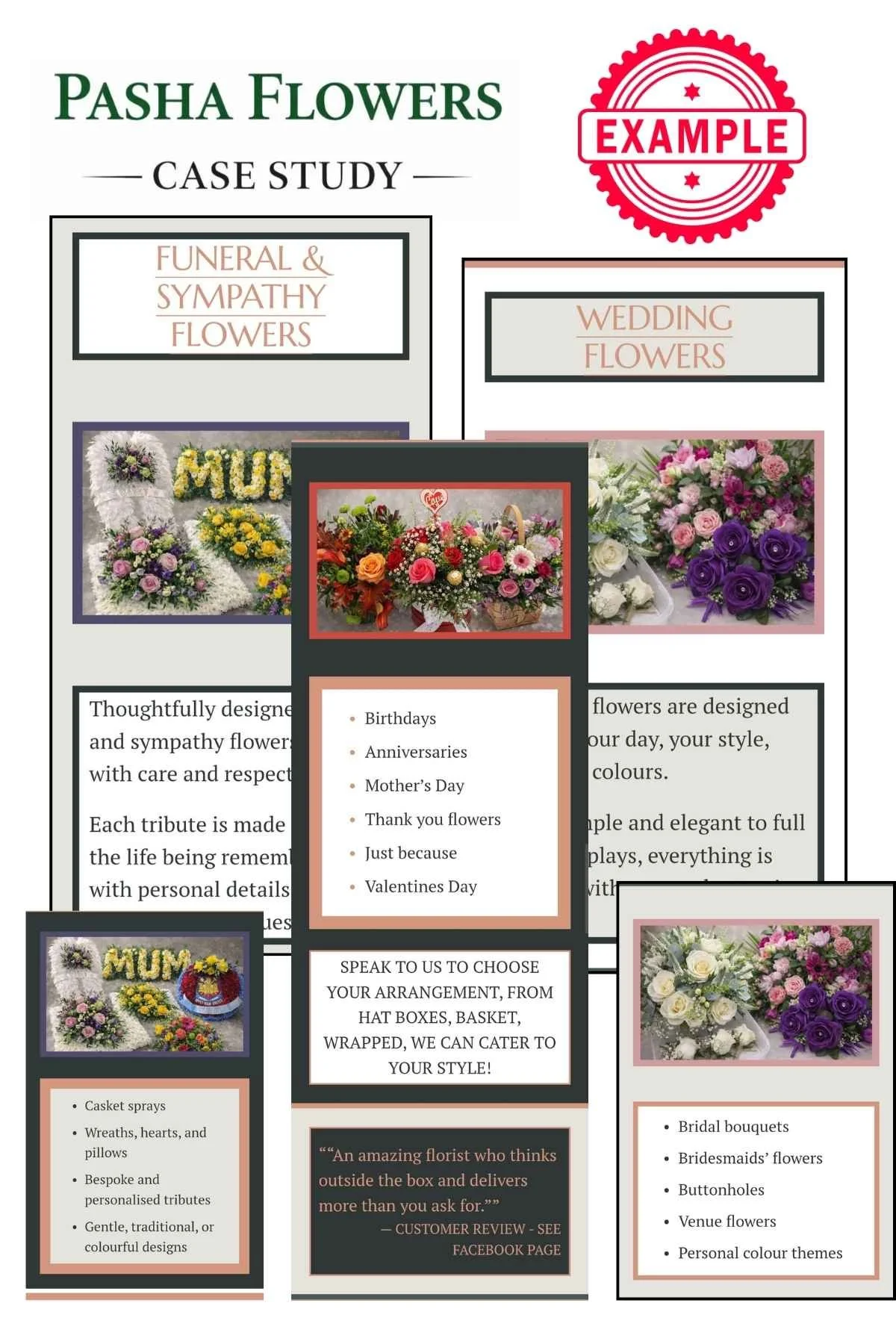
You can see how this fitted into Carol’s wider website setup and early enquiries in her full case study - link below - and her ChatGPT optimised images.
Frequently asked questions about using ChatGPT as a small business owner
1. Will ChatGPT remember everything I’ve told it about my business?
Short answer: no — not automatically.
ChatGPT doesn’t permanently remember details unless you explicitly ask it to.
If there’s something important you want it to remember long-term — for example:
your business name
your tone of voice
what you do and who you help
how you like to communicate
You need to clearly say something like:
“Please commit this to memory for future conversations.”
That’s the difference between ChatGPT being helpful in the moment and becoming genuinely useful as a long-term support tool.
2. Should I keep everything in one chat?
No — and this is one of the most important best practices.
ChatGPT works best when you separate topics into separate chats.
For example:
one chat for Facebook posts
one for Instagram reels
one for website updates
one for blogs
one for general business planning
This keeps each conversation focused and prevents things getting muddled.
3. Why does starting a new chat matter?
Each chat has its own context.
If you keep asking about completely different things in one long conversation, the responses can start to feel:
less focused
repetitive
slightly “off”
By starting a new chat for each area of your business, ChatGPT can:
stay on topic
remember what you’ve already discussed within that conversation
give clearer, more relevant answers
4. How do I keep things organised?
This is what I do myself.
I label each chat clearly, for example:
“Facebook content”
“Reels ideas”
“New business launch”
“Website edits”
“New blog draft”
That way, when I come back later, I know exactly where to go.
If I’m working on Facebook captions again, I return to the Facebook chat.
If I’m continuing a blog, I go back to the Blog chat.
It makes ChatGPT feel much more like a business partner you’re working alongside, rather than something you keep starting from scratch with.
5. Can I, and Should I, tell ChatGPT how I’m feeling?
Yes — and this actually helps.
If you’re tired, overwhelmed, stuck, or short on time, say so.
For example:
“I’m exhausted today — can you help me prioritise?”
“I’m overwhelmed, can we simplify this?”
“I don’t have much brain space — keep this short.”
ChatGPT will adjust how it responds, which makes it far more useful in real life.
6. What if ChatGPT gives me something I don’t like?
Tell it.
If an image description, caption, or piece of text isn’t right, you can say:
“This doesn’t feel like me.”
“This sounds too salesy.”
“Try again, but simpler.”
“I want this warmer / calmer / more confident.”
Learning how to talk back to ChatGPT is part of using it well.
Just like working with a real person, the clearer you are, the better the outcome.
7. Does this replace professional support?
No — and it shouldn’t.
ChatGPT works best alongside:
a properly built website
clear structure
good foundations
Used well, it helps you:
stay confident
avoid feeling stuck
manage your online presence without overwhelm
But it’s always a tool.
You are still the voice, the judgement, and the decision-maker behind your business.

How this fits with how I work
I build websites that are structured properly from day one, easy for you to manage yourself, and calm to use, even if you’re not technical. Explore what’s included in our Core Website Package
Pretty isn’t the goal. Enquiries are.
After launch, you’re in control.
Some clients manage everything themselves. Others choose ongoing support through our Optional Monthly Maintenance Service. Both approaches work. It depends on how involved you want to be.
If you’d like to understand what’s included, how pricing works, and whether this approach suits your business, you can visit the Services page.
A website you can manage with confidence
ABOUT THE AUTHOR
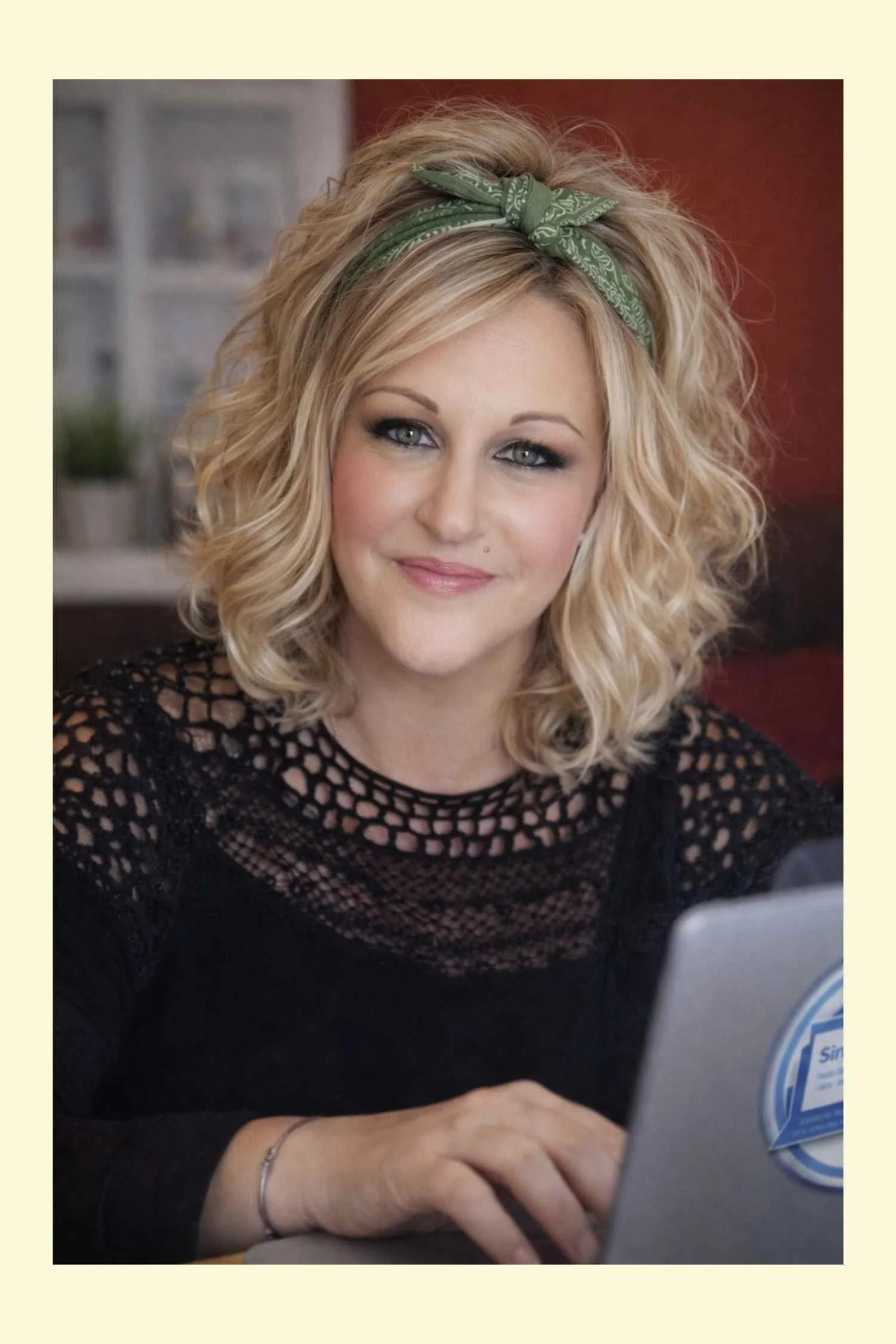
Sarah — is the founder of Simple Website Development & Support and a UK-based Squarespace website designer for small businesses.
She is a small business owner herself, with years of hands-on experience building, growing, and managing real business websites from the ground up, you can see more about their family business on the Green Fields Home Kill & Butchery Case Study ,where she created a website for a brand‑new, highly sensitive and regulated business. This was launched from scratch and they built it into a fully booked full‑time operation within three months — using education, transparency and strong SEO foundations rather than paid advertising and brilliant Social Media positioning.
Sarah lives on a Smallholding in Ramsey, Cambridgeshire with her husband, where they keep Sheep, Goats, Pigs, Ducks and Chickens, along with their crazy Bombay Cats and 3 Dogs.
She created Simple Website Development and Support to support your small business, with no jargon and no pressure, just websites built properly at an affordable price for a new business!
My real ChatGPT usage as a small business owner
Here’s a short video showing my real ChatGPT usage and how I use it as a “colleague” in my business — not a replacement.
How much does a small business website cost in the UK?
A small business website in the UK can cost anywhere from £300 to £3,000+, depending on how it’s built, who builds it, and whether it’s set up to actually bring enquiries. This blog explains real pricing, what’s often missing from cheaper builds, and what actually makes a website work.