
WELCOME
YOUR WEBSITE BUILD STARTS HERE
Thank you for booking your website build.
This page explains what happens next and collects the information I need to get started.
There’s no rush. Short answers are perfect.
If typing feels like a chore, you’re welcome to send voice notes instead. Just use Audio on WhatsApp and tell me the answers to each question asked.
Everything I need to build your website — in one calm place.
Short answers are fine. You don’t need to be perfect.
This is about understanding your business, not testing you.
WHAT HAPPENS NEXT
You complete the forms below - Share as much or as little detail as you like. Bullet points are perfect.
This client portal is split into short sections so you don’t need to do everything at once. You can complete them in any order, over a few days if needed. There are no right or wrong answers — this just helps me build a website that fits you, your business, and how you want to work.
Then, I review everything personally - I’ll go through your answers, notes, and any links or inspiration you’ve shared.
I will agree your build start date -Once everything is in, I’ll confirm when your build begins, then…….
Your website is built - I structure, design, and set everything up properly behind the scenes.
You review the draft - I’ll send you a private link to view your site and request any small tweaks.
Your website goes live!
Once you’re happy, we launch — and your site is fully yours. You don’t need to chase or check in. - I’ll guide you through each step and let you know when action is needed.

HOW TO CONTACT ME DURING YOUR BUILD
Your project contact details:
For anything related to your website build, please use:
The Client Question Form at the bottom of this Page - I will always read your submissions as a Priority!
Email: clientportal.swds@gmail.com
WhatsApp: 07740337692
Using the above email address which is specifically ONLY for the client I am building a website for, helps me spot build-related messages quickly and respond faster. I only EVER build a website for one client at a time.
REMEMBER - NO QUESTION IS A SILLY QUESTION
There’s no pressure to get this “right”.
I’ll tidy wording, structure content, and make professional decisions where needed — that’s part of the service.
If something isn’t clear, I’ll ask.
If something can be simplified, I’ll simplify it.
Visual Examples of Recent Work Should you Like to Take A Look
-
If it helps to see how this all comes together, you’re welcome to look at a couple of recent projects.
These examples show the style of websites I build, how information is laid out, and the level of clarity and simplicity I aim for.
You don’t need to reference these later unless you want to. Viewing them is completely optional.
There’s no need to analyse or compare your business to these — they’re simply here to give you a feel for how things might look. These are simply to give you visual reference - there is no expectation to copy or compare, and of course you have our website that you are viewing for visual reference too!
-
A service-based business website focused on trust, clarity, and enquiries.
View our Pasha Flowers Case Study for examples of their website and how we designed their website.
-
A content-rich site designed to educate, reassure, and guide visitors clearly.
The client portal forms are split into short sections so you don’t need to do everything at once.
You can complete them in any order, over a few days if needed.
There are no right or wrong answers — this just helps me build a website that fits you, your business, and how you want to work.
If writing feels overwhelming at any point, short answers are perfect — or you’re welcome to send voice notes instead.
Section 1 — Your details - A little about you
This section covers your basic details so I can set things up correctly behind the scenes and keep everything in your name.
This helps me understand how your business operates and how customers should find you.
Address - If you work remotely or travel to clients, you can write “Service area only”.
Everything is handled carefully and only used for your website build.
Some details are needed for technical setup (such as creating accounts if required).
Section 2 — Business basics - Your business at a glance
This helps me understand how your business operates and how customers should find and contact you.
Don’t worry if some answers aren’t final yet — we can refine things together as we go.
Section 3 — Website goals & pages - What your website needs to do
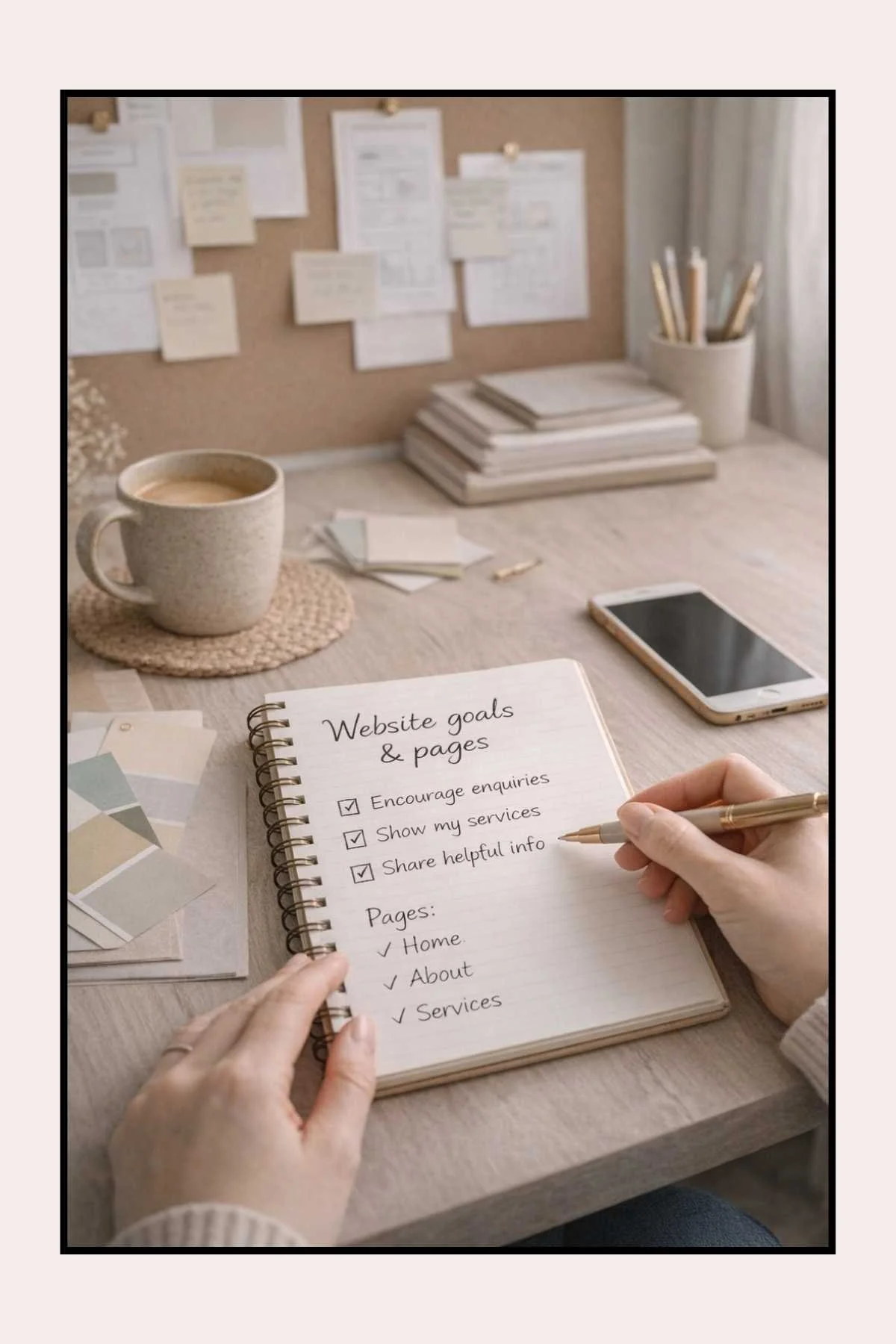
This section is about purpose, not perfection.
You don’t need to use marketing language or polished answers — just tell me what you’d like your website to help with and what matters most to you.
👉 Don’t overthink this.
Your answers guide structure and layout, not wording.
Don’t overthink this section. There are no right or wrong answers — this just helps me build something that fits you.
Consider, in one sentence, what do you want your website to do?
Section 4 — Pages & structure - Choosing your website pages
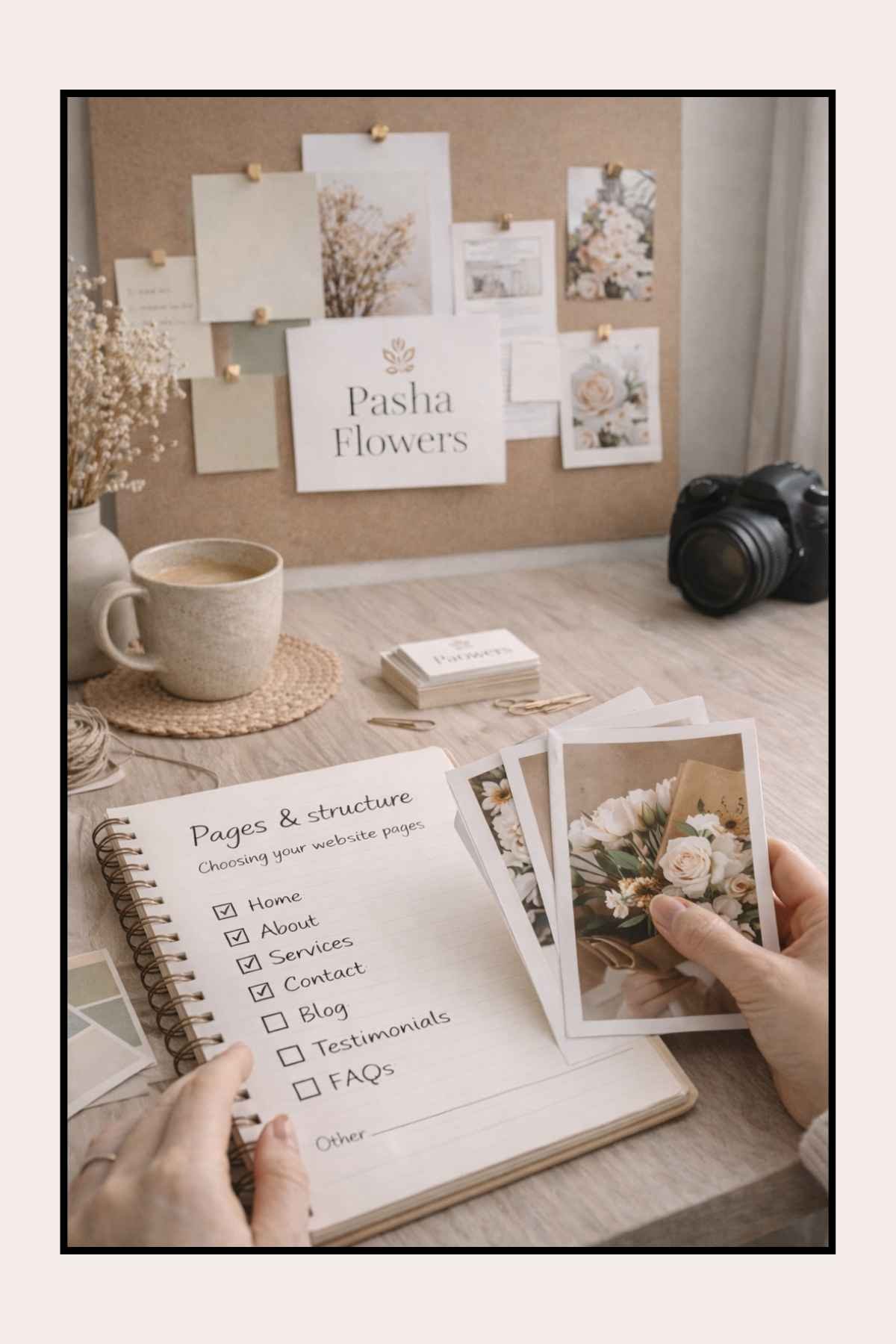
Most service businesses work best with a simple 5-page structure.
If you’re unsure, I’ll recommend a layout based on what you’ve told me.
Typical pages include:
Home
Services
About
FAQ (Frequently Asked Questions)
Contact
You don’t need to decide everything perfectly — this just gives us a starting point.
When considering your Pages, think about what questions your potential customers may ask Google
Section 5 —Images & branding - Images, colours and overall look
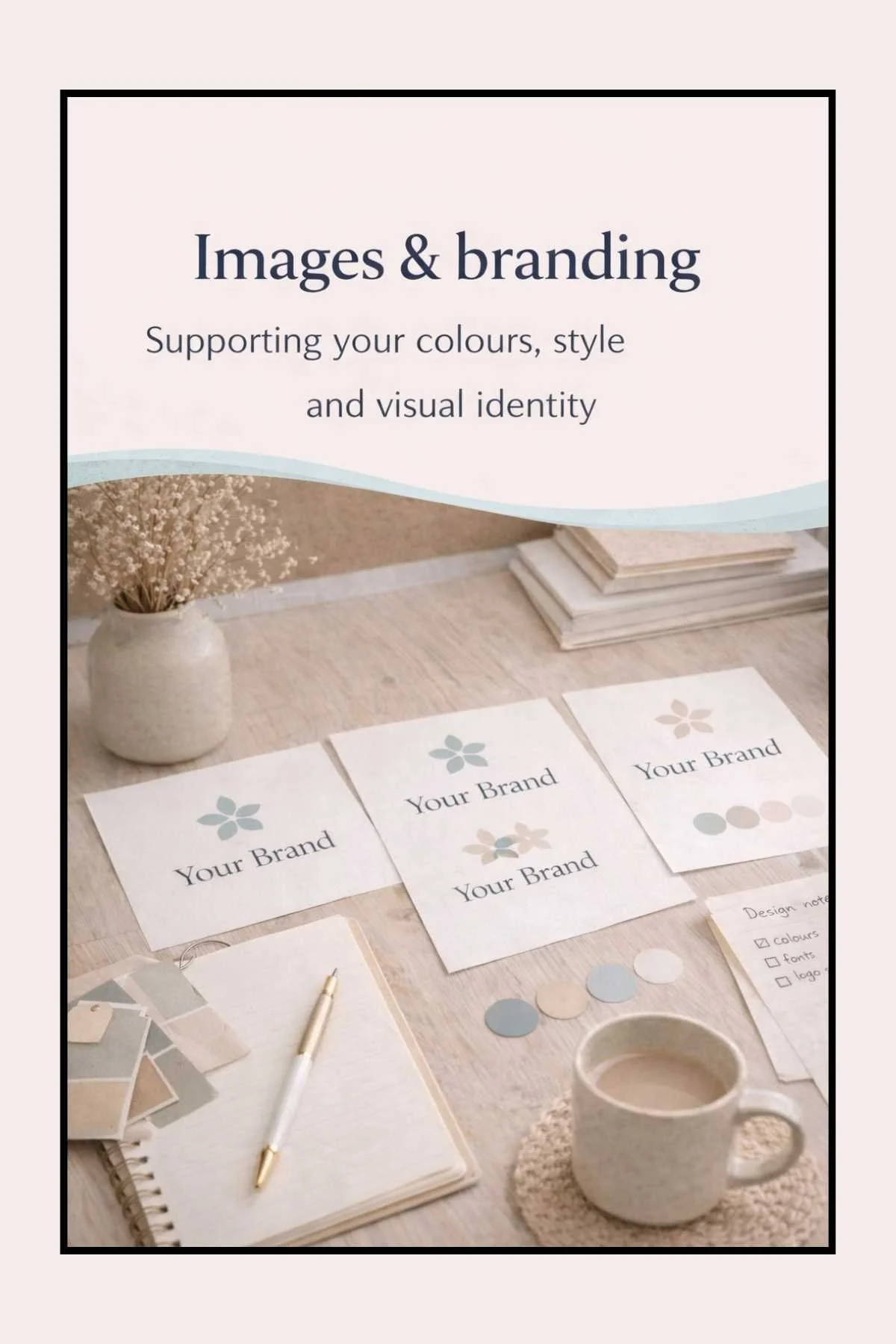
This helps me understand the feel you’d like for your website.
If you have images or a logo, great. If you don’t — that’s completely fine.
If needed, I can:
Optimise and improve supplied images
Create clean, generic images based on your themes
Help refine colours and fonts during the build
Nothing is final until you’re happy.
No Logo yet? That is absolutely fine.
If you don’t have one, I can create a simple, clean logo to get you started, I created both of the clients logo’s in our Case Studies if you would like to take a look.
This is not about perfection - it is about giving your website a clear, professional look that feels like you.
Section 6 — Social Media & Links - Connecting your online presence
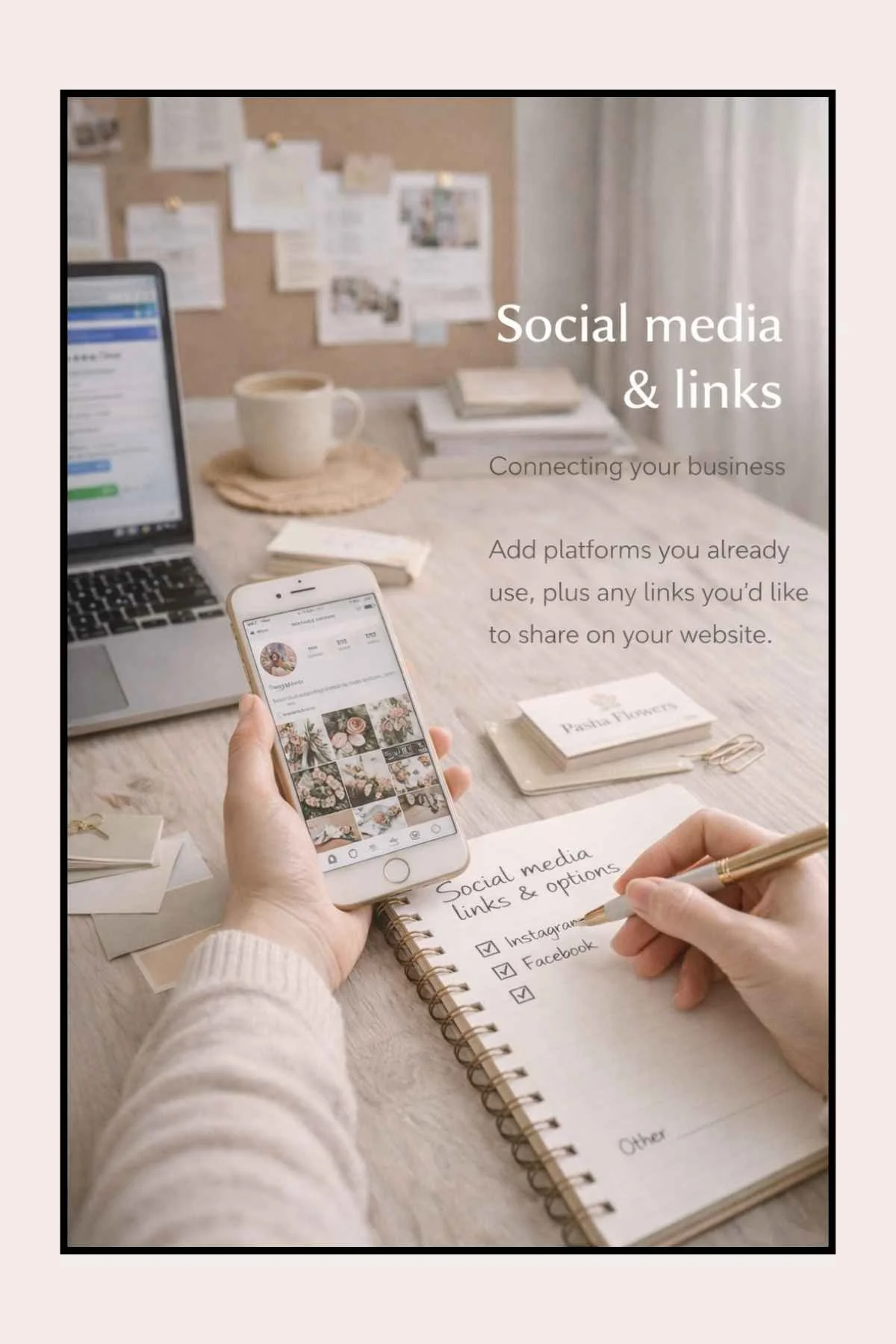
This section tells me where you already exist online so I can link things up properly.
Your Squarespace Website Build can link to all of your social media at a press of a button, that I can add to the header and footer (top and Bottom) of every page.
You can see an example on this website. I can also integrate Instagram into a Page on your website, you can see an example in the Green Fields Home Kill and Butchery website created by me, in their Gallery Page.
If you haven’t set everything up yet, that’s okay.
I’ll add social links up to two weeks after launch, giving you time to create accounts and choose usernames.
Section 7 — Optional voice notes -Prefer to talk instead of type?
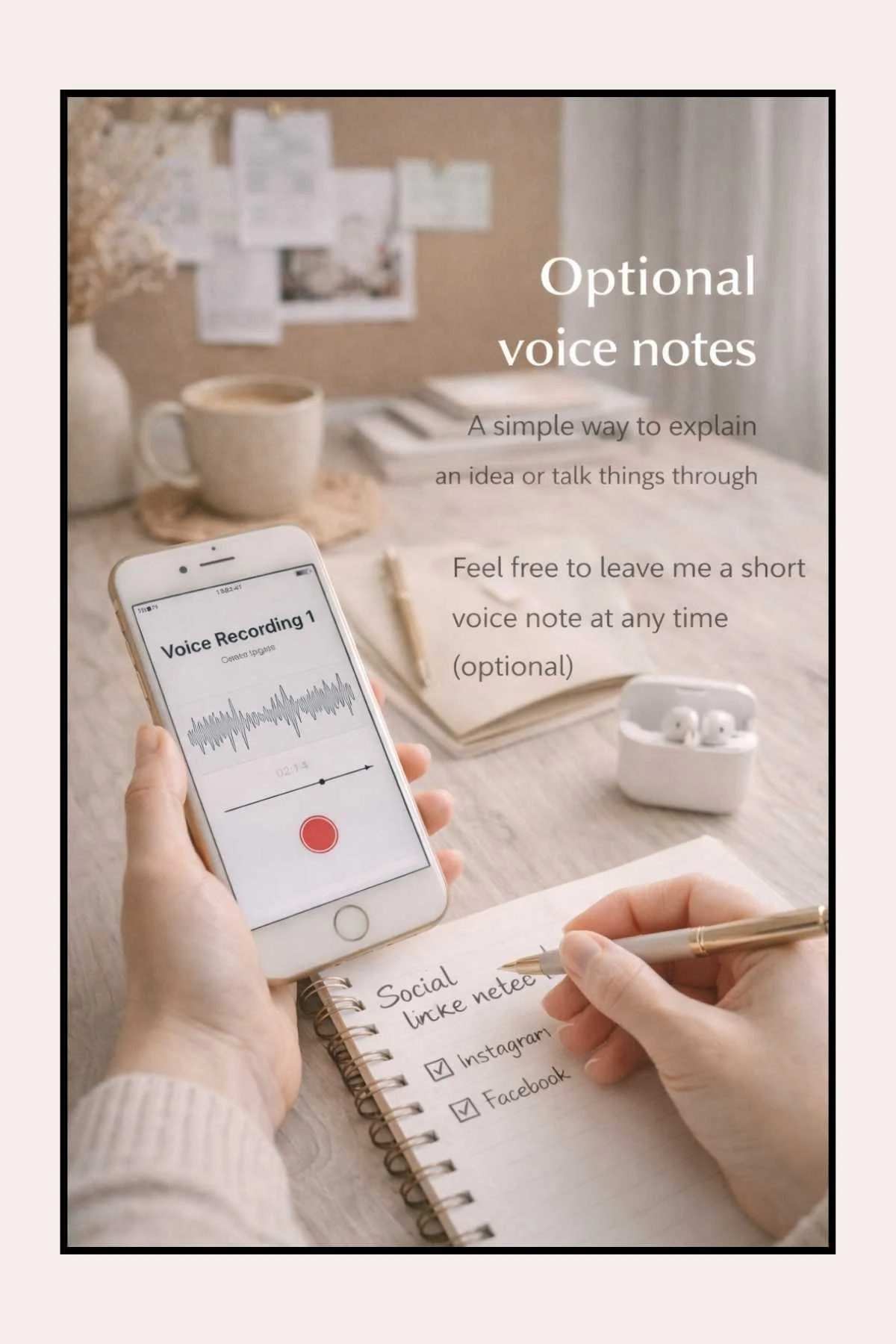
If explaining things in writing feels difficult, you’re welcome to send voice notes instead.
You can answer any questions in your own words — I’ll listen through and take care of the rest.
WhatsApp: 07740337692
Email: clientportal.swds@gmail.com
Section 8 — Final confirmation - Almost done

This just confirms the information you’ve shared is accurate so I can start building with confidence.
Once submitted, I’ll review everything and be in touch on our agreed method of contact with the next steps.
This will mainly be to share links to upload images, show you your Logo if you have asked me to design it, agreeing your website Font and Branding and so on…..
Images & Branding (Optional Add-On)
If you already have a logo, brand colours, and photos, that’s perfect — we’ll upload and format everything for you as part of your business listing setup.
If you don’t have images yet, don’t worry at all.
A lot of small businesses don’t — especially in the early stages.
We can create these for you, but because this is design work (separate from the listing setup itself), it’s priced as an optional add-on.
Image & Branding Add-On Prices
Basic Image Pack – £35
Ideal if you need the essentials.
Includes:
A simple logo (clean and professional)
A banner/header image for Yell
Correct sizing and formatting so everything uploads properly
Full Branded Listing Pack – £75
Best if you want your listings to look consistent across multiple platforms.
Includes:
A logo
A Yell banner/header image
3 branded images (for example: services, about, contact, or key messages)
Correct sizing for platforms such as Yell, Google, Bing and Cylex
Extra branded images – £10 each
If you’d like more images created (for extra services, seasonal promos, or additional listing sections).
NEED TO SIMPLY SEND ME MORE IMAGES?
Sending Images
You can upload images using the forms in this portal., or additional images with the form below.
However, my preferred method (if you use Canva) is for you to email me a Canva share link.
This allows me to download your images in different sizes and file formats, which helps your website load faster and look sharper.
How to Share Your Canva Images With Me (So I Can Download Them Properly)
If your logo or images are saved in Canva, this is the easiest way to send them to me.
Step-by-step
Open your design in Canva
Click Share (top right)
Under Link sharing, choose Anyone with the link
Set access to Can view (not edit)
Click Copy link
Paste the link into an email and send it to me
Important
Please make sure the link is set to Can view
This protects your design and keeps your Canva account safe
I can download the files in the correct sizes and formats for your website
Questions during your website build
If something comes to mind while we’re building your website, you don’t need to worry about emailing or calling.
This form goes straight to me and keeps everything in one place.
Colours, Fonts & Style Direction
Colours, fonts & style
I’ll create a short screen-recorded video showing colour palettes and font options that suit your business.
This will be shared privately so you can see and approve the direction before I start building.
THANK YOU
Thank you for taking the time to complete this.
I know there’s a lot here, and I really appreciate you sharing your business details with me.
Everything you’ve added helps me understand your business properly, so I can build something that feels right for you and actually works.
If you think of anything else, or want to change something, that’s absolutely fine. Just let me know.
I’m genuinely looking forward to getting started.
You don’t need to have everything figured out — we’ll work through it together.
— Sarah