Domain Connection & SSL Setup (UK)
Get your Squarespace website connected properly — without the tech stress

Connecting a domain to Squarespace sounds simple… until you’re staring at DNS settings, SSL warnings, and a website that isn’t loading properly.
This page explains what domain connection actually involves, why it matters, and how I can help you get everything working correctly from day one.
What does “domain connection” mean?
Your domain is your website address (for example: yourbusiness.co.uk).
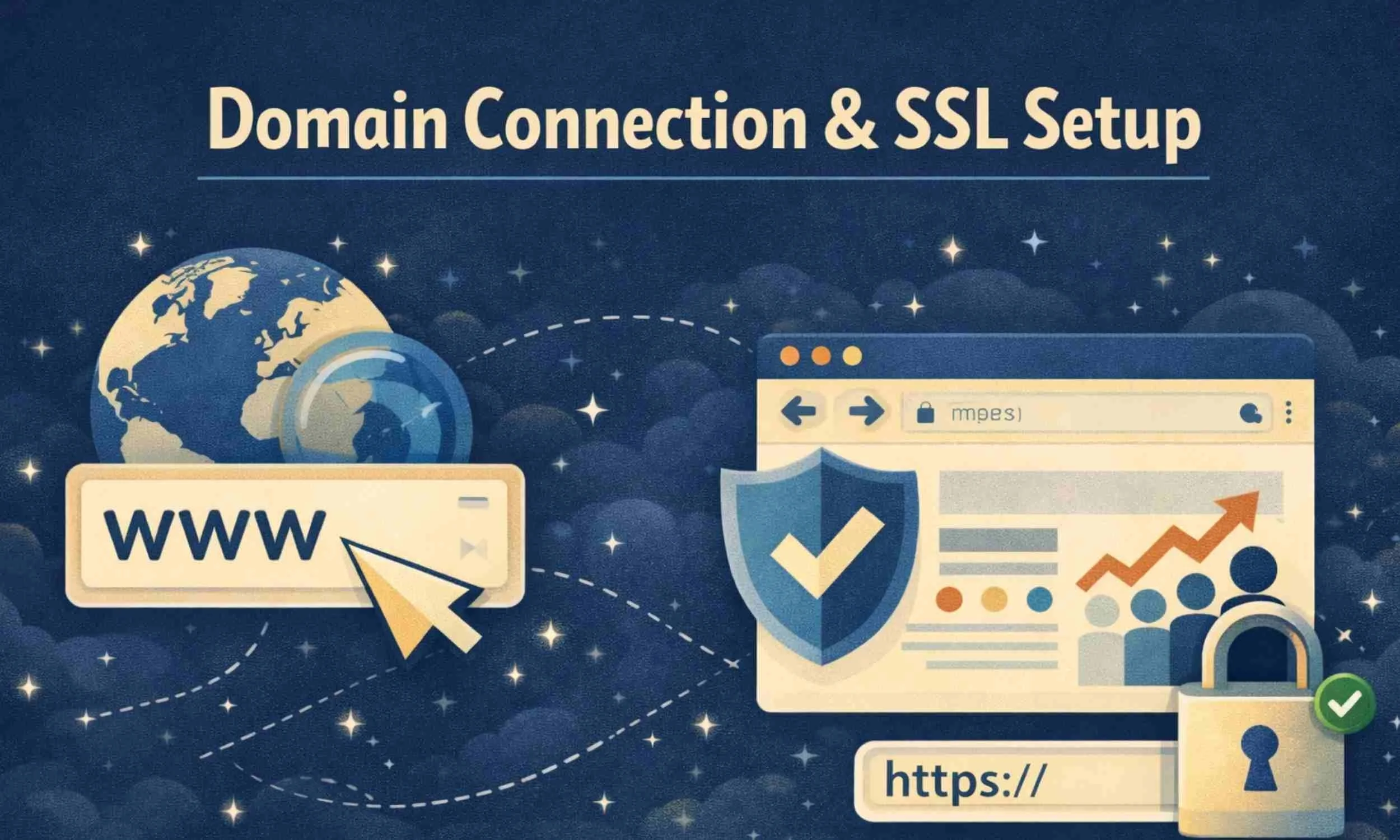
To make your website work properly, your domain needs to be connected to Squarespace correctly using DNS settings.
If it isn’t set up properly, you can end up with problems like:
your website not loading
the wrong website showing
“not secure” warnings
broken links
emails not working
pages not indexing correctly in Google
Your Domain Name is one of the most Important Decisions you will make for Online Visibility
What is SSL and HTTPS?
SSL is what makes your website secure.
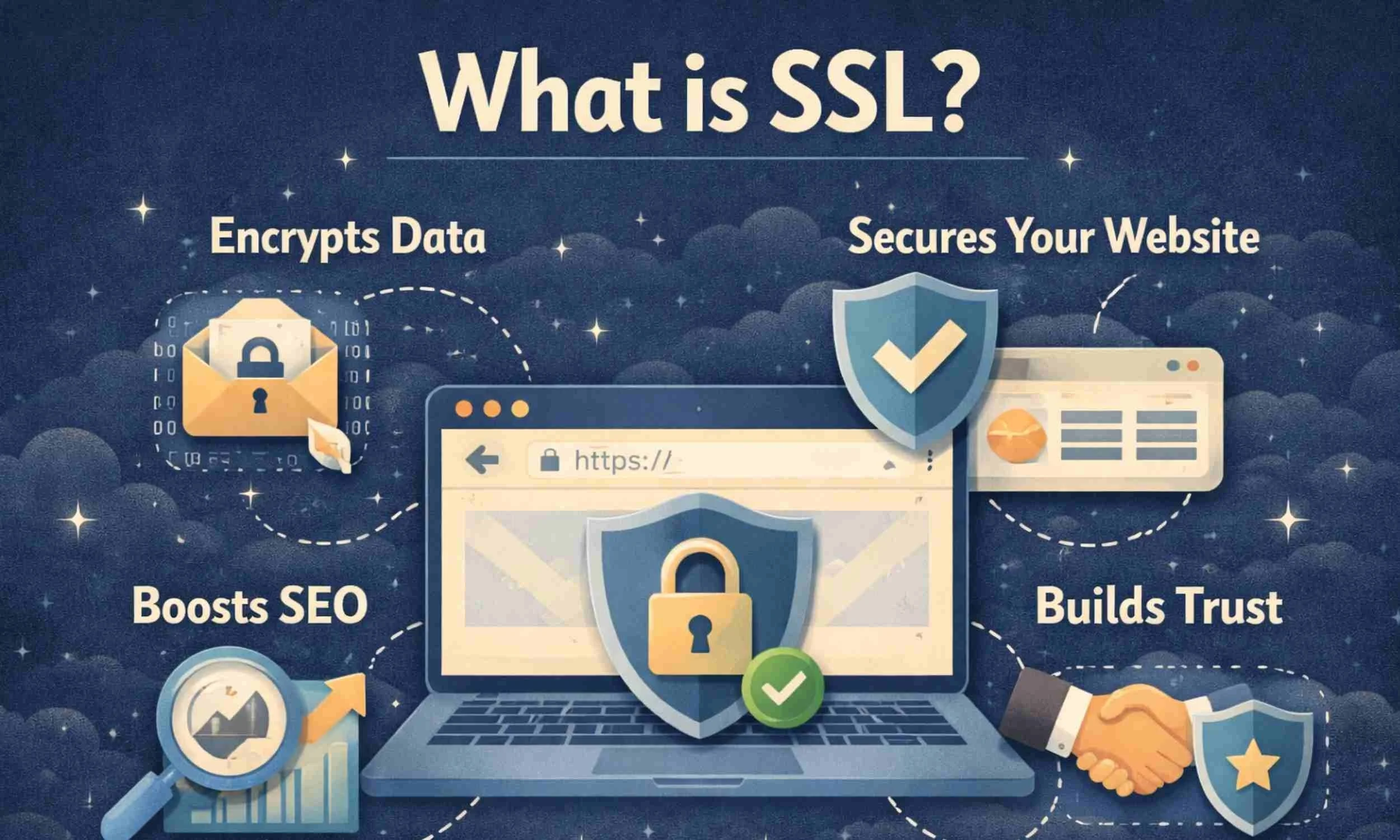
When SSL is setup properly your website will load securely and show the padlock icon in the browser address bar.
Your web address will begin with:
https:// (secure)
Not:
http:// (not secure)
Most people won’t notice the letters — they’ll notice the padlock and whether their browser shows a warning.
Common issues people get stuck with
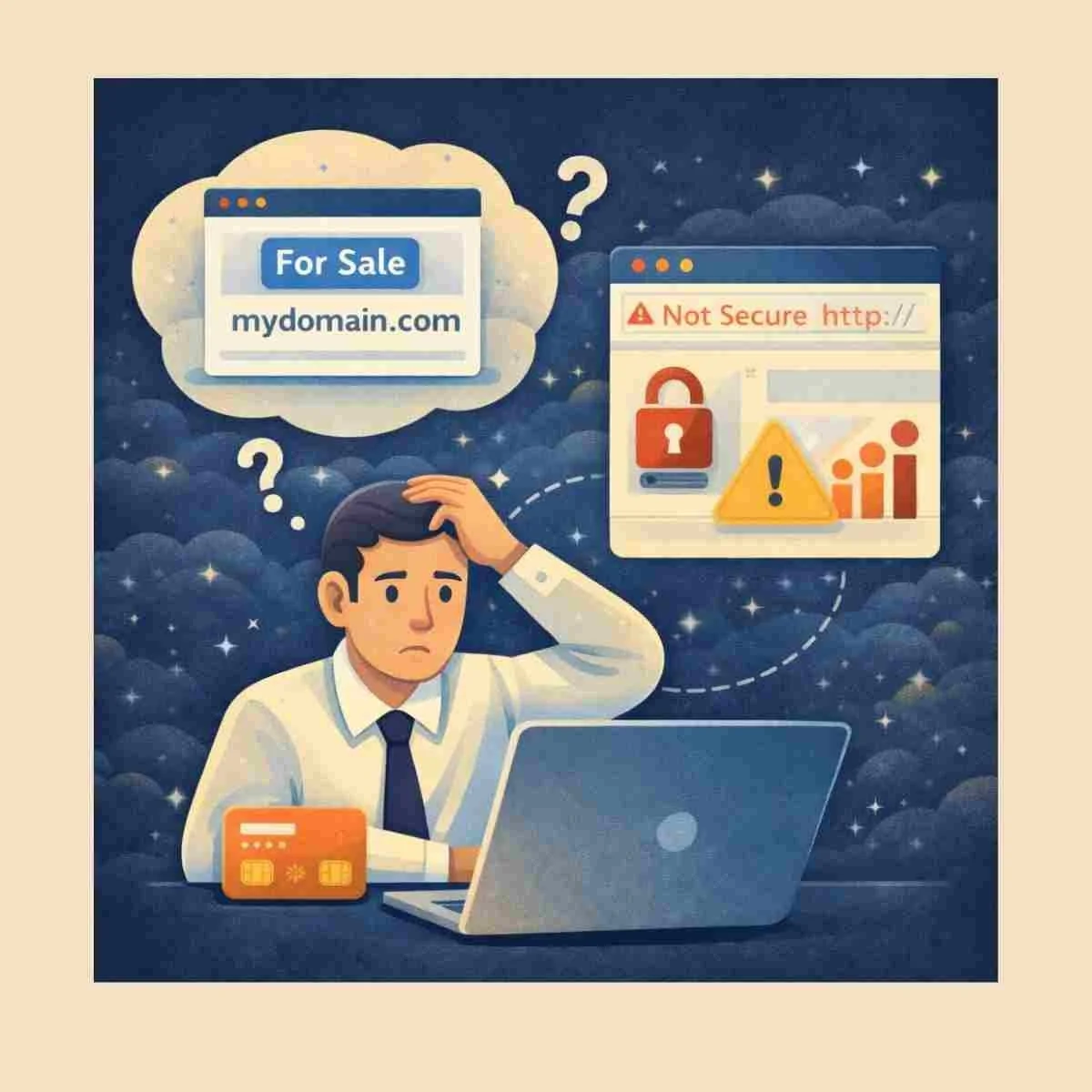
This service is often the right fit if:
you’ve bought a domain and don’t know how to connect it
your Squarespace site won’t go live properly
your website shows “not secure”
your domain is connected but pages don’t load correctly
you’ve moved platforms and things have broken
your redirects aren’t working properly
you’re worried about messing something up
You’re not alone — domain setup is one of the most common stress points for small business owners.
What’s included

What’s included
Your Domain Connection & Technical Setup includes:
DNS and domain pointing
SSL and HTTPS setup
Redirect checks
Fixing common connection issues
Configuration checks to make sure everything works properly
Why this matters
If your domain connection isn’t set up correctly, it can cause issues like:
your website not loading properly
your site showing as “not secure”
emails not working correctly
Google indexing problems
broken links or incorrect URLs
customers landing on the wrong page
This service removes the stress and ensures your website is connected properly, safely, and professionally.
DOMAIN CONNECTION AND SSL FAQ
Q:. What is SSL and why does it matter?
SSL is what makes your website secure. You’ll recognise it by the small padlock symbol in the browser and the “https” at the start of your web address.
Without SSL, browsers may warn visitors that your site is not secure — which damages trust immediately.
Proper SSL setup ensures:
– your website is secure
– data is encrypted
– Google recognises it correctly
– visitors feel confident using it
It’s a small technical detail that makes a big difference.
Q: What if my domain is already connected?
That’s absolutely fine. If you already own a domain, I check:
– DNS settings
– correct pointing
– SSL configuration
– redirects
– any connection issues
Many domain problems are small misconfigurations that go unnoticed.
The goal is to make sure everything is connected cleanly and working properly from day one — without you having to deal with technical settings.
I can connect and configure your domain properly so your Squarespace website works correctly and securely.